n8n webhooks: test vs production URL, auth and responses
Why your n8n webhook returns 404, the difference between the test and production URL, how to secure a webhook, and how to control the response.
Every n8n Webhook node has two URLs. The test URL (/webhook-test/...) only works right after you click Listen for test event or Execute workflow in the editor, and shows the data on the canvas. The production URL (/webhook/...) only works once the workflow is published, and its runs appear in the executions list instead. Most "webhook not registered" 404s come from calling the wrong one at the wrong time.
The short version
- Test URL: for building. Click Listen for test event, then send one request. It listens for 120 seconds, and the data shows on the canvas.
- Production URL: for real traffic. Publish the workflow and it listens until you unpublish it. Data shows only under Executions.
- A 404 "not registered" means the workflow isn't published (production URL), the editor isn't listening (test URL), or you're using a different HTTP method than the node expects.
- Secure it with Authentication (Basic, Header or JWT auth, or n8n User Auth), an IP(s) Allowlist, and Only Run If to drop requests you don't want.
- Respond immediately, when the last node finishes, or with a Respond to Webhook node.
- Behind a reverse proxy, set
N8N_WEBHOOK_URLso n8n shows and registers the right public URL.
Test URL vs production URL
From the Webhook node docs and its common issues page:
| URL | Path (default) | When it listens | Where you see the data |
|---|---|---|---|
| Test URL | /webhook-test/<path> | After Listen for test event or Execute workflow, for 120 seconds | On the canvas |
| Production URL | /webhook/<path> | From publishing the workflow until you unpublish it | In the Executions tab |
Select Test URL or Production URL at the top of the node panel to switch which one the node shows. The two path prefixes come from N8N_ENDPOINT_WEBHOOK_TEST (default webhook-test) and N8N_ENDPOINT_WEBHOOK (default webhook), per the endpoints env var reference.
The usual workflow, from the workflow development docs:
- While you build, give the service the test URL, click Listen for test event, and trigger a test event. You see exactly what arrived.
- When the workflow is ready, publish it and switch the service to the production URL.
- Check real runs under the workflow's Executions tab.
Don't leave a service pointed at the test URL. It stops working as soon as the editor stops listening.
Why your webhook returns 404
We called the URLs on n8n 2.46.6 to see each error. n8n's 404 responses say which case you're in:
Production URL, workflow not published:
{"code":404,"message":"The requested webhook \"POST orders\" is not registered.","hint":"The workflow must be active for a production URL to run successfully. ..."}Publish the workflow, then call it again.
Test URL, editor not listening:
{"code":404,"message":"The requested webhook \"orders\" is not registered.","hint":"Click the 'Execute workflow' button on the canvas, then try again. (In test mode, the webhook only works for one call after you click this button)"}Click Listen for test event again before each test request.
Wrong HTTP method (a GET to a webhook set to POST):
{"code":404,"message":"This webhook is not registered for GET requests. Did you mean to make a POST request?"}Change HTTP Method to what the service sends. To accept more than one method, turn on Allow Multiple HTTP Methods in the node's Settings; the node then gets one output per method.
Two more causes from the common issues page:
- Only one webhook per path and method. If another published workflow already uses
POST /orders, n8n won't register a second one. Change the path or unpublish the other workflow. - The URL n8n shows is wrong. Behind a reverse proxy, n8n can't work out its public address on its own (see below).
Paths and route parameters
The Path field gets a random value by default, to avoid conflicts. You can set your own, including route parameters, in these forms from the node docs: /:variable, /path/:variable, /:variable/path, /:variable1/path/:variable2 and /:variable1/:variable2. A readable path like orders or orders/:id is easier to manage than a random one, as long as it stays unique per method.
Secure your webhook
A production URL is public. Anyone who finds it can trigger your workflow, so add at least one of these.
Authentication
Set Authentication on the Webhook node to one of:
- Basic Auth, Header Auth or JWT Auth, each with a credential that holds the expected username and password, header name and value, or JWT passphrase or PEM key.
- n8n User Auth (OAuth2): only users signed in to this n8n instance can call the webhook, with a bearer token n8n issues. A browser GET is sent through n8n's sign-in page; other requests without a token get a 401. By default the caller also needs permission to execute the workflow.
- None (the default).
Header Auth is the simplest choice for server-to-server calls. In our test, a webhook with Header Auth (header X-Api-Key) answered 403 with the body Authorization data is wrong! when the header was missing or wrong, and ran normally with the right value:
curl -X POST https://<your-domain>/webhook/secure \
  --header 'X-Api-Key: <your-secret>'
Many services sign their webhooks instead of sending a fixed header. n8n's dedicated trigger nodes verify those signatures for some apps (the changelog lists it for the Workable Trigger in 2.46.0, and for the Mailchimp and Venafi TLS Protect Cloud Triggers in 2.47.0), so prefer the app's own trigger node when there is one.
IP(s) Allowlist
Under Add Option > IP(s) Allowlist, enter a comma-separated list of IP addresses. Requests from anywhere else get a 403. If you run n8n behind a reverse proxy and allowed addresses still fail, set N8N_PROXY_HOPS to the number of proxies in front of n8n, so it reads the caller's real address.
Only Run If
Add Option > Only Run If takes an expression that runs against the incoming request ($json.body, $json.headers, $json.params, $json.query). If it isn't true, n8n answers with a 200 and doesn't create an execution, per the node docs. It runs after the allowlist and authentication checks.
In our test, with {{ $json.body.event === 'order.paid' }}, a request with "event": "order.created" got {"message":"Webhook call received"} and no execution, while "event": "order.paid" ran the workflow. That keeps noisy services from filling your executions list.
One caution from the docs: if the expression fails to evaluate, n8n logs a warning and lets the request through. Don't rely on Only Run If as your only security check; use authentication for that.
Control the response
The Respond parameter decides what the caller gets back:
- Immediately: responds right away, before the workflow runs. Use it when the caller only needs to know you got the event. (The docs say the message is Workflow got started; on 2.46.6 we got
{"message":"Workflow was started"}.) - When Last Node Finishes: waits for the workflow and returns the last node's output. Response Data chooses All Entries, First Entry JSON, First Entry Binary or No Response Body.
- Using 'Respond to Webhook' Node: a Respond to Webhook node anywhere in the workflow sends the response, so you control the status code, headers and body. Per its docs, it runs once with the first incoming item, the workflow carries on after it, and a second Respond to Webhook node is ignored.
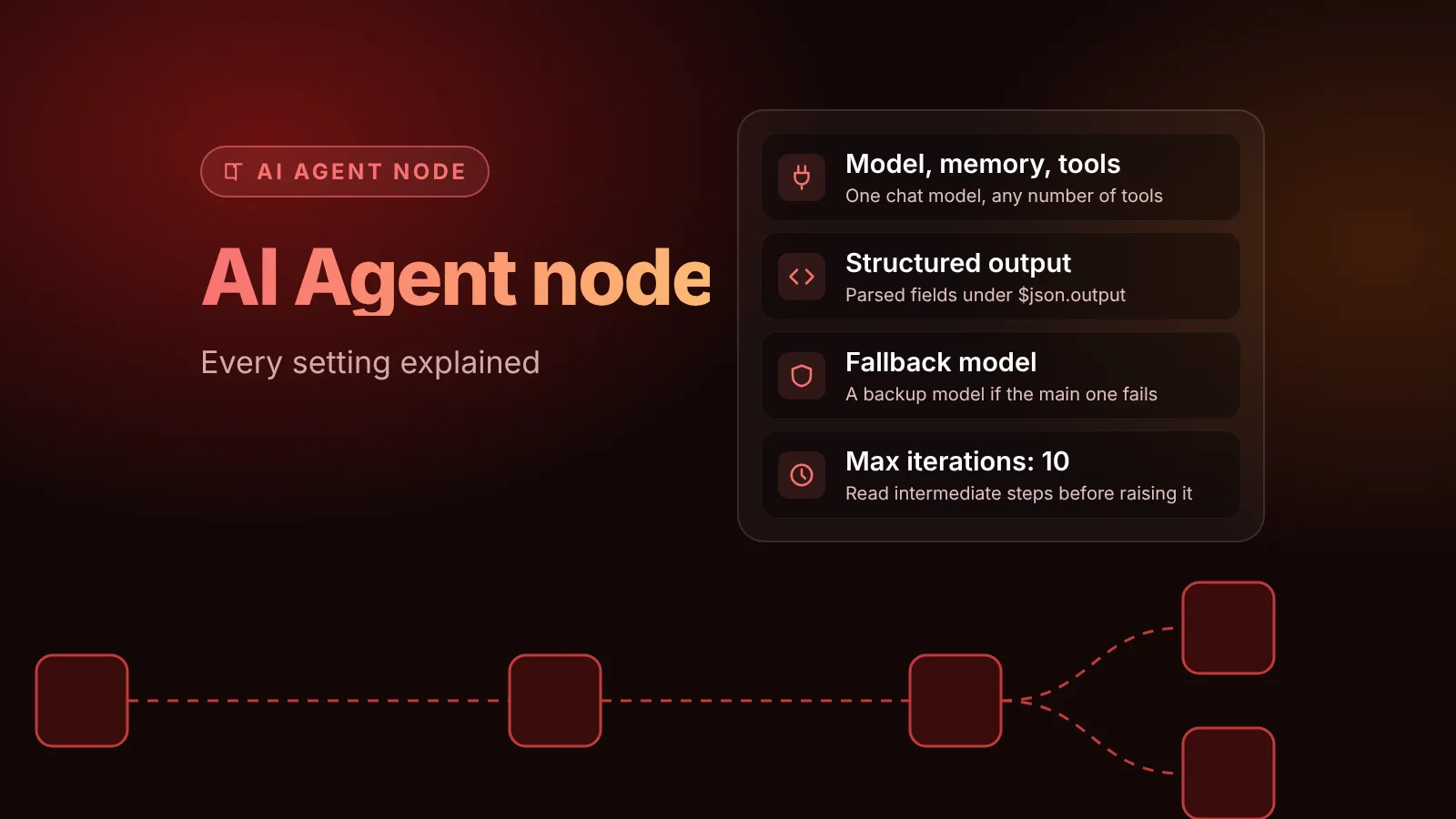
- Streaming response: streams data back as the workflow runs, for nodes that support it, such as the AI Agent node.
Set Response Code for a different success status. Options add Response Headers, Response Content-Type and Allowed Origins (CORS), which defaults to *.
Keep long work out of the request. Many senders time out, and on n8n Cloud the docs say a webhook that doesn't respond within 100 seconds fails with a 524 from Cloudflare. For long jobs, respond immediately, or use one webhook to start the job and a second one to check its status.
Self-hosted: make the URL right behind a proxy
n8n builds webhook URLs from N8N_PROTOCOL, N8N_HOST and N8N_PORT. Behind a reverse proxy that gives the wrong address, because n8n listens on 5678 while the proxy serves 443. The reverse proxy docs say to set:
services:
  n8n:
    environment:
      - N8N_WEBHOOK_URL=https://n8n.example.com/
      - N8N_PROXY_HOPS=1
N8N_WEBHOOK_URL replaces WEBHOOK_URL, which still works but has been deprecated since n8n 2.35.0. Our Docker Compose guide has a full setup behind HTTPS.
Two more limits worth knowing: request bodies are capped by N8N_PAYLOAD_SIZE_MAX (default 16 MiB), and if you run queue mode, production webhooks can go to separate webhook processors.
When the workflow runs but fails
A webhook that returns 200 can still fail later in the workflow. With Respond: Immediately, the caller never hears about it. Add an error workflow so you do: our error handling guide shows how.
What we tested
On November 8 we ran n8n 2.46.6 in Docker and created three webhook workflows through n8n's REST API: a plain POST webhook, one with Header Auth and one with Only Run If. We called each before and after publishing, with the wrong method, with missing and wrong credentials, and with matching and non-matching events. The responses quoted above are what n8n returned. We didn't test the test URL while listening in the editor, JWT or n8n User Auth, or the streaming response; those parts follow n8n's docs.
Sources
- Webhook node (n8n docs)
- Webhook node, workflow development (n8n docs source)
- Webhook node, common issues (n8n docs source)
- Configure webhook URLs with reverse proxy (n8n docs source)
- Endpoints environment variables (n8n docs source)
- Respond to Webhook node (n8n docs)
- n8n changelog (n8n on GitHub)
- Webhook node source at n8n@2.46.6 (n8n on GitHub)
Editorial team
The then8nblog editorial team researches every article from n8n's release notes, documentation and source code, states the n8n version each guide was tested on, and has every post reviewed by a human editor before it goes live.