n8n error handling: error workflows, retries and On Error
n8n error handling in one guide: Retry On Fail, On Error (the old Continue On Fail), error workflows with the Error Trigger, and retrying failed executions.
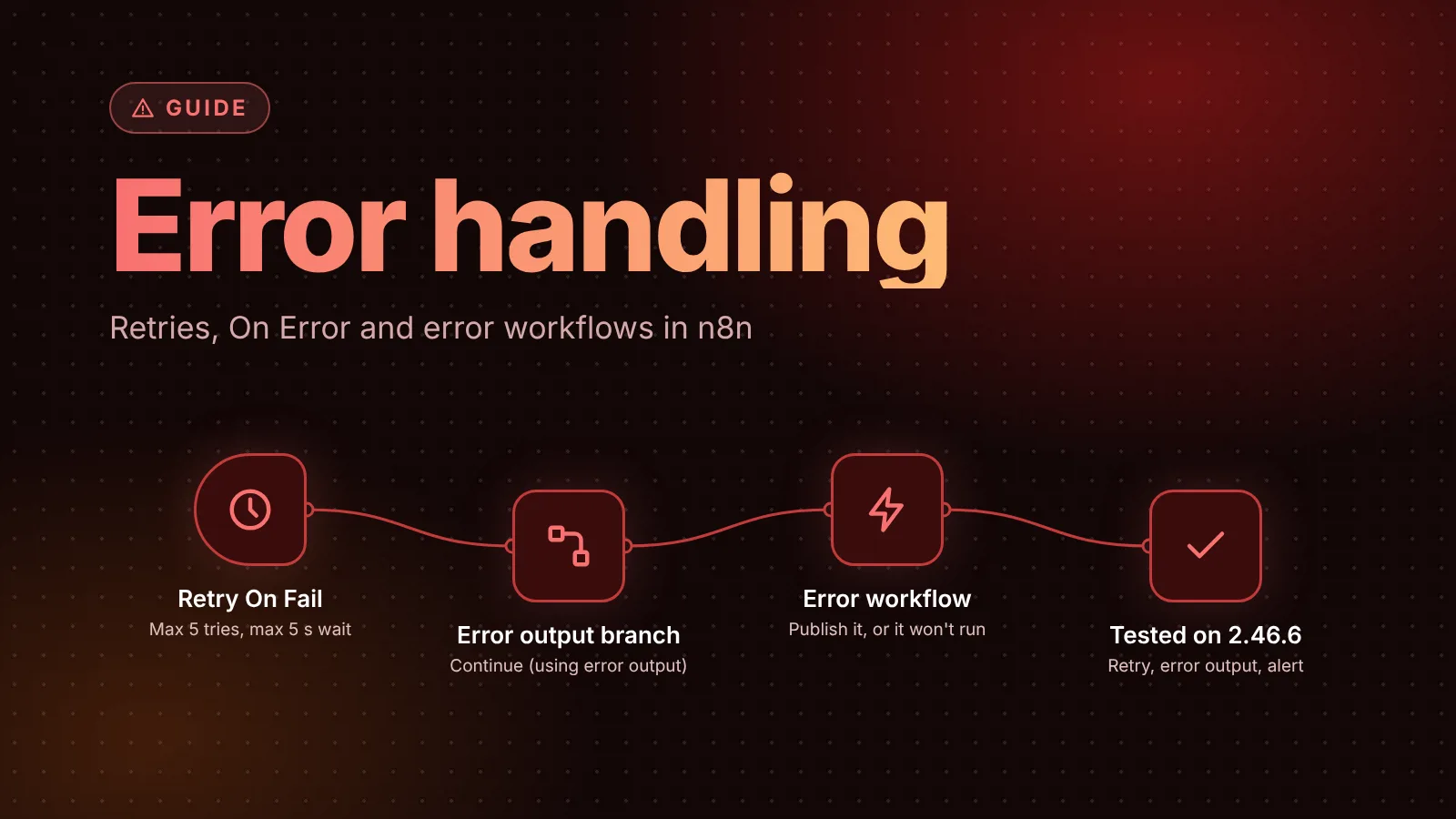
n8n handles errors at three levels. On a single node, Retry On Fail tries the node again, and On Error decides whether a failure stops the workflow or sends the item down a separate error branch. For a whole workflow, an error workflow that starts with the Error Trigger node runs whenever a production execution fails, so you can alert someone. After the fact, you can retry a failed execution from the executions list.
The short version
- Retry On Fail (node Settings): up to 5 tries, default 3, with a wait of up to 5,000 ms between them (default 1,000 ms).
- On Error (the setting older tutorials call Continue On Fail) has three options: Stop Workflow (the default), Continue, and Continue (using error output), which adds a second output for failed items.
- Error workflow: a separate workflow that starts with the Error Trigger node. Select it in the failing workflow's Settings > Error workflow. One error workflow can serve many workflows.
- Publish the error workflow. n8n's docs say you don't have to, but in our test on n8n 2.46.6 it only ran once it was published, and the 2.47.0 source requires a published version.
- Stop And Error fails an execution on purpose, for example when data is invalid, so the error workflow runs.
- Retrying a failed execution keeps the results of nodes that finished, but the failed node runs all its items again. Make that node safe to repeat.
Choose the right tool for the failure
| The failure | Use |
|---|---|
| A flaky API, a timeout, a rate limit | Retry On Fail on that node |
| Some items fail and the rest should carry on | On Error > Continue (using error output), then handle the error branch |
| Data that shouldn't go through (a missing field, a bad status) | An If node and Stop And Error |
| Anything that fails a production run | An error workflow that alerts you |
| A run failed and you've fixed the cause | Retry execution from the executions list |
Retry On Fail: try a node again
Open the node, select Settings and turn on Retry On Fail. Two fields appear, with these limits in n8n's editor source:
- Max. Tries: 2 to 5, default 3. It counts the first attempt, so 3 means one try and two retries.
- Wait Between Tries (ms): 0 to 5,000, default 1,000.
For rate limits, n8n's rate limit docs say to set Wait Between Tries (ms) to more than the API's limit: for one request per second, at least 1000. With a 5-second maximum wait, Retry On Fail covers short outages and per-second limits, not an API that's down for minutes. For larger batches, the same docs suggest Loop Over Items with a Wait node (see our Loop Over Items guide). Our rate limits guide tests both approaches and shows how to honor Retry-After.
In our test, an HTTP Request node pointed at a closed port with Max. Tries 3 and a 1,000 ms wait failed after 2.05 seconds: three attempts with two waits in between. Only then did the node fail the execution.
On Error: stop, continue, or branch
The On Error setting, also in the node's Settings, decides what happens once the node has failed, including after its retries. The node settings docs describe the three options:
- Stop Workflow (default): "Halts the entire workflow when an error occurs." The execution fails, and the error workflow runs.
- Continue: "Proceeds to the next node despite the error, using the last valid data." The editor describes it as passing the error message as an item in the regular output.
- Continue (using error output): the node gets a second output for failed items, so you can route them to their own branch.
Older workflows saved with the former Continue On Fail toggle (continueOnFail in the JSON) open with On Error set to Continue, per the editor source.
Use Continue (using error output) when some items can fail without the whole run being wrong, for example one bad address in a list of 200 emails. Connect the error output to a node that logs the item or flags it for review.
In our test, a failed HTTP Request node with Continue (using error output) sent the item down the error branch with its original fields plus an error object holding message, name, code and a full stack trace. The execution itself was marked successful.
Error workflows: get alerted when a run fails
An error workflow runs when an execution of another workflow fails. To set one up, from n8n's error handling docs:
- Create a new workflow with the Error Trigger node as the first node, and give it a name such as
Error Handler. - Add the nodes that alert you: Slack, email, Telegram or anything else.
- Save it, and publish it (see the note below).
- In each workflow you want to watch, open Options > Settings, choose your error workflow under Error workflow, and save.
You can use the same error workflow for as many workflows as you like. For a ready-made version, our error workflow template collects failures and sends a daily Telegram digest.
Two more rules from the Error Trigger docs:
- Manual runs don't trigger it. "The Error Trigger only runs when an automatic workflow errors." To test it, make a published workflow fail, for example with Stop And Error.
- A workflow that contains an Error Trigger uses itself as its error workflow by default.
What the error workflow receives
The Error Trigger outputs one item describing the failure. The docs' example:
[
  {
    "execution": {
      "id": "231",
      "url": "https://n8n.example.com/execution/231",
      "retryOf": "34",
      "error": {
        "message": "Example Error Message",
        "stack": "Stacktrace"
      },
      "lastNodeExecuted": "Node With Error",
      "mode": "manual"
    },
    "workflow": {
      "id": "1",
      "name": "Example Workflow"
    }
  }
]
The fields you'll use most in an alert are {{ $json.workflow.name }}, {{ $json.execution.lastNodeExecuted }}, {{ $json.execution.error.message }} and {{ $json.execution.url }}. In our test, the error workflow got the failed workflow's name, HTTP Request as the last node, the connection-refused error and a link to the failed execution, in the form http://<host>/workflow/<workflow-id>/executions/<execution-id>.
Some fields aren't always there, per the docs:
execution.idandexecution.urlneed the execution to be saved, and are missing when the trigger node itself failed.execution.retryOfonly appears when the failed execution was a retry.- When the trigger node fails (for example, it can't activate), the data has a
triggerobject with the error instead of most ofexecution.
Stop And Error: fail on purpose
Some problems don't throw an error: an API returns an empty list, or a required field is missing. The Stop And Error node turns those into real failures, so the error workflow runs. It has two error types:
- Error Message: a text message.
- Error Object: an error you define as an object instead of a single message.
A common pattern is an If node that checks the data, with Stop And Error on the false branch.
Retry a failed execution
From the Executions list (on the Overview page or in a project), open the menu on a failed execution and select Retry execution. n8n's executions docs explain what a retry does:
- It resumes from the saved state, not from the trigger. Nodes that finished keep their results. If a workflow added a row and then failed sending a message, a retry doesn't add the row again.
- The failed node runs all its items again, including ones it handled before it failed. A node that sent some messages before it failed sends them again.
- Retry with original workflow runs the workflow as it was. Retry with currently saved workflow uses your fix, but only for nodes that hadn't completed. Both use your current credentials.
- An Execute Sub-workflow node that failed runs its whole sub-workflow again.
- Each retry is a new execution. If a retry fails too, retry only one of the two, or you can repeat work.
- You can only retry executions n8n still stores. That depends on the workflow's Save failed production executions setting and on pruning; see our guide to pruning n8n execution data.
So, to make retries safe, the docs recommend operations that update instead of create, such as Append or Update Row in Google Sheets or Insert or Update in Postgres. The same advice makes Retry On Fail safe on nodes that write data.
What we tested
On November 7 we ran n8n 2.46.6 (the current stable release) in Docker, with three workflows created through n8n's REST API: a webhook workflow whose HTTP Request node called a closed port with Retry On Fail, an error workflow with an Error Trigger, and a webhook workflow using Continue (using error output). The results are in each section above: the retry timing, the error branch's data, the error workflow running only once published, and what it received. We didn't test Retry execution or Stop And Error; those sections follow n8n's docs.
Sources
- Handle errors gracefully (n8n docs)
- Work with nodes, node settings (n8n docs)
- Error Trigger node (n8n docs)
- Stop And Error node (n8n docs)
- View all executions, retry failed workflows (n8n docs)
- Handle rate limits (n8n docs)
- Node settings in the editor (n8n source, ndv.utils.ts)
- Error workflow loading (n8n source, workflow-execution.service.ts)
Editorial team
The then8nblog editorial team researches every article from n8n's release notes, documentation and source code, states the n8n version each guide was tested on, and has every post reviewed by a human editor before it goes live.