n8n rate limits: handle 429 errors, Retry-After and batching
How to handle API rate limits (HTTP 429) in n8n: why Retry On Fail can re-send items, HTTP Request batching, and a tested pattern that honors Retry-After.
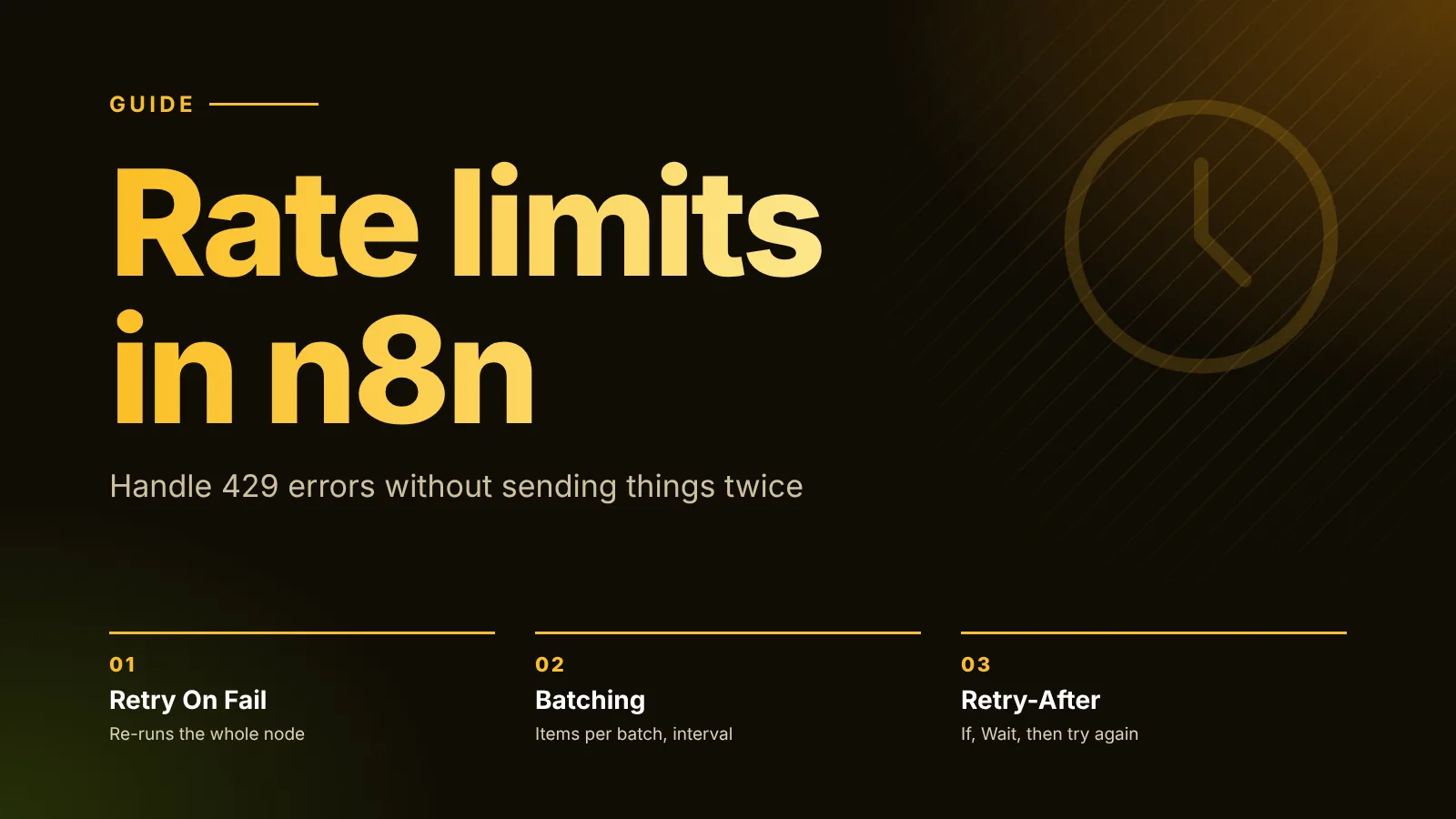
When an API rate-limits n8n, the node fails with HTTP 429, and n8n shows the message The service is receiving too many requests from you. You have three tools: Retry On Fail in the node's settings, the HTTP Request node's Batching option to space out requests, and a small loop (Loop Over Items, an If and a Wait) when you need to wait exactly as long as the API's Retry-After header says. Be careful with the first one: Retry On Fail re-runs the whole node, so items that already went through are sent again.
The short version:
- Retry On Fail re-sends every item in the node, not only the one that failed. In our test, one 429 on one item out of five led to all five being sent twice.
- It waits a fixed time, between 0 and 5,000 ms, and doesn't read
Retry-After. At most 5 tries. - Batching in the HTTP Request node prevents 429s: Items per Batch and Batch Interval (ms) pace the requests.
- To honor
Retry-After, turn on Never Error and Include Response Headers and Status, check for status 429 with an If, and wait for{{ $json.headers['retry-after'] }}seconds. Our tested workflow below retried only the two limited items, each after the 2 seconds the API asked for.
We ran every pattern in this guide on n8n 2.47.5, the current stable release, against a small local mock API that returns 429 on purpose.
How a rate limit shows up in n8n
n8n's rate limit docs say a node that hits a rate limit errors and shows the service's message in its output panel. For status 429, the message is The service is receiving too many requests from you. The limits themselves (per second, per minute, per day) are in the API's own documentation.
The docs list two ways to deal with it: Retry On Fail, or Loop Over Items with a Wait node. For HTTP Request calls there's a third, the node's Batching option.
Retry On Fail: what it really does
Retry On Fail is in every node's Settings tab, with Max Tries and Wait Between Tries (ms). In the 2.47.5 source, n8n clamps the values: Max Tries to between 2 and 5 (default 3) and Wait Between Tries to between 0 and 5,000 ms (default 1,000). It waits that fixed time between tries; there's no growing backoff and nothing reads the API's Retry-After header.
The part that surprises people: when a node fails, n8n runs the whole node again with all of its input items. It doesn't know which items succeeded.
We tested this with five items going into an HTTP Request node with Retry On Fail on (3 tries, 1,000 ms). The mock API returned 429 with Retry-After: 3 for item 3 on its first call and 200 for everything else:
| Time | What the API received |
|---|---|
| 0 s | Items 1 to 5, all at once. Item 3 gets 429. |
| ~1.06 s | Items 1 to 5 again. All get 200. |
The node ended green, but the API received 10 requests for 5 items. Items 1, 2, 4 and 5 were sent twice, and n8n retried after about 1 second although the API asked for 3. For a read request that's only wasted quota. For anything that sends or writes (an email, a payment, a new record), it's a duplicate.
Use Retry On Fail for idempotent calls (reads, or writes the API deduplicates) and short outages. For the limits, see also our error handling guide, which covers the other node settings and error workflows.
Prevent 429s with HTTP Request batching
The best rate limit is one you never hit. The HTTP Request node has a Batching option (Add Option > Batching) with two fields, according to the HTTP Request docs:
- Items per Batch: how many input items go out together. In the node source the default is
50,-1disables batching, and0counts as1. - Batch Interval (ms): the pause between batches, default
1000.
With Items per Batch 1 and Batch Interval 500, our five test requests reached the API about 500 ms apart: 0, 0.49, 0.99, 1.50 and 2.00 seconds. Without batching, all five arrived within the same millisecond, as in the test above.
Set the two values from the API's documented limit. For 10 requests per second, 10 items per batch with a 1,000 ms interval stays at the limit; leave some headroom if other workflows use the same key.
For nodes other than HTTP Request (app nodes such as AI, CRM or email nodes), the docs suggest the same idea with Loop Over Items and a Wait node between batches. Our Loop Over Items guide shows that pattern, tested.
Honor Retry-After: retry only what was limited
When an API sends Retry-After, it's telling you exactly how long to wait. To use it, the node must not fail on a 429, and you need to see the response headers. Both are options in the HTTP Request node, under Add Option > Response:
- Include Response Headers and Status: the output contains
statusCode,headersandbodyinstead of only the body. - Never Error: the node succeeds whatever the status code, so a 429 becomes data you can route.
Then build the loop:
- Loop Over Items with Batch Size
1, so each item is called and retried on its own. - HTTP Request with the two options above. Read the item's fields from the loop, for example
{{ $('Loop Over Items').first().json.id }}, because the request is also reached from the Wait node on a retry. - If with the condition
{{ $json.statusCode }}is equal to429(a number comparison). - true output: a Wait node with Resume set to After Time Interval, Wait Amount
{{ Number($json.headers['retry-after'] ?? 5) }}and Wait Unit Seconds, connected back into the HTTP Request node. - false output: back into Loop Over Items, which hands out the next item. Connect done to whatever processes the results.
Honor Retry-After with Loop Over Items, If and Wait (tested on n8n 2.47.5; the URL is a placeholder)
Nodes (7)
- Code ×2
- HTTP Request
- If
- Loop Over Items
- Manual Trigger
- Wait
Credentials you'll need
None
To import: copy the JSON, open a workflow in n8n and paste onto the canvas (Ctrl+V or ⌘V). Credentials are never included; connect your own after importing.
In our test the mock API returned 429 with Retry-After: 2 on the first call for items 2 and 4:
- Item 1: 200.
- Item 2: 429, then 200 exactly 2.0 seconds later.
- Item 3: 200.
- Item 4: 429, then 200 exactly 2.0 seconds later.
- Item 5: 200.
Seven requests for five items, nothing sent twice that had already succeeded, and the done output received five results, all with status 200.
A few things to adjust for real APIs:
- The
?? 5fallback waits 5 seconds when the API sends a 429 withoutRetry-After. Pick a value from the API's documentation. Retry-Aftercan be a date instead of seconds, per the HTTP standard. Our expression handles only the seconds form. If your API sends a date, compute the difference to now in the Wait Amount, and test it.- Add a cap. If the API keeps answering 429, this loop keeps waiting. Count the attempts (for example with
$runIndexon the HTTP Request node) and send the item to an error branch after a few tries. - Other errors. With Never Error on, a 500 or 401 also reaches the If as data. Add a branch for those, or they pass through the false output as if they succeeded.
Which approach to use
| Situation | Use |
|---|---|
| You know the API's limit and call it from an HTTP Request node | Batching with values under the limit |
| Same, but through an app node or several steps per item | Loop Over Items + Wait between batches |
The API sends Retry-After and requests must not be duplicated | The If + Wait loop above |
| Occasional short failures on a read or an idempotent call | Retry On Fail |
The approaches combine: batching keeps you under the limit most of the time, and the Retry-After loop handles the 429s that still happen.
Next steps
- Catch the failures that remain with an error workflow: n8n error handling.
- Learn the loop node behind the Retry-After pattern, including pagination: n8n Loop Over Items.
Sources
Editorial team
The then8nblog editorial team researches every article from n8n's release notes, documentation and source code, states the n8n version each guide was tested on, and has every post reviewed by a human editor before it goes live.