n8n Loop Over Items: batches, pagination and the done output
When n8n needs the Loop Over Items node and how it works: batch size, the loop and done outputs, Reset for pagination, Wait for rate limits, and pitfalls.
Most n8n workflows don't need a loop: every node already runs once for each item it receives. You need the Loop Over Items node when you want to process items in batches (with a pause between them for rate limits), when a node only handles the first item, or when you page through an API until it says there's nothing left. The node hands out one batch at a time on its loop output and, when every batch has come back, sends all the results out of its done output.
The short version:
- Default behavior first. Nodes run once per item. Only reach for a loop when that isn't enough.
- Batch Size sets how many items each round gets (default
1). - Connect the end of the loop branch back to Loop Over Items. Whatever comes back is what done outputs.
- Every round must return at least one item, or the loop ends silently and done never runs.
- Reset treats each incoming item as a new set. You need it for "fetch the next page until there isn't one" loops.
- Loop Over Items + Wait spaces out API calls; the HTTP Request node's Batching option does the same without a loop.
We ran every pattern below on n8n 2.39.8. The node's execution code is the same in 2.39.8 and in n8n's current master branch (checked November 9, 2026), so the behavior applies to current 2.x releases too.
When you don't need a loop
n8n's looping docs put it plainly: nodes take any number of items, process each one and output the results. Send five contacts into a Slack node and you get five messages. No loop required. The node itself shows the same reminder at the top of its settings: you may not need this node.
If you want a node to handle only the first item, turn on Execute Once in that node's Settings tab instead of building a loop.
When you do need Loop Over Items
The docs list the cases where n8n doesn't iterate for you:
- Code node in Run Once for All Items mode, and Execute Workflow in Run Once for All Items mode: they get all items in one call.
- RSS Read executes once for the requested URL, so a list of feed URLs needs a loop (n8n's own example reads two feeds this way, with Batch Size
1). - Some database operations run once for all items: CrateDB, MongoDB and TimescaleDB for insert and update, Microsoft SQL for insert, update and delete, QuestDB for insert. The Redis info operation also runs only once.
- Paginated APIs called with the HTTP Request node, when the node's own Pagination option can't express how the API pages (more on that below).
The other two reasons are practical rather than technical:
- Rate limits. Send 10 items at a time with a pause in between instead of 500 requests at once.
- Memory. n8n's memory guide suggests splitting big jobs into batches with Loop Over Items and handing each batch to a sub-workflow with Execute Workflow. The sub-workflow only holds the current batch in memory, as long as it returns a small result to the parent.
How Loop Over Items works
The node has one setting, Batch Size (the number of items per round, default 1, minimum 1), one option, Reset, and two outputs:
- loop sends out the next batch. Connect it to the nodes that do the work, and connect the last of those back into Loop Over Items.
- done fires once, after the last batch has come back. It outputs everything that came back into the node across all rounds, in order.
That last point matters: done gives you the processed results, not a copy of the original input. In the node's source, each time items arrive back at the node they're added to a list, and that list is what done returns.
Here's the test workflow: five items, Batch Size 2, a Code node that stands in for your real work (it doubles a number and records which round it ran in), and a one-second Wait before the batch goes back.
Loop Over Items with Batch Size 2 and a 1-second Wait (tested on n8n 2.39.8)
Nodes (6)
- Code ×3
- Loop Over Items
- Manual Trigger
- Wait
Credentials you'll need
None
To import: copy the JSON, open a workflow in n8n and paste onto the canvas (Ctrl+V or ⌘V). Credentials are never included; connect your own after importing.
What the execution showed:
| Round | Items on loop | currentRunIndex | noItemsLeft |
|---|---|---|---|
| 1 | n = 1, 2 | 0 | false |
| 2 | n = 3, 4 | 1 | false |
| 3 | n = 5 | 2 | true |
| Done | All 5 items, each with the doubled field the loop branch added |
Three batches for five items (2, 2, 1), about one second apart because of the Wait, and the whole run took about three seconds. The Summary node on done received all five processed items.
Check progress inside the loop
The Loop Over Items docs give two expressions for the node's state:
{{ $("Loop Over Items").context["noItemsLeft"] }}     // true once the last batch has been handed out
{{ $("Loop Over Items").context["currentRunIndex"] }} // 0 for the first batch, 1 for the second...
In our test, noItemsLeft was already true while the last batch was being processed, which makes it useful for "do this once at the end of the loop branch" logic. Inside a Code node you can read the same object with $('Loop Over Items').context.
Rate limits: Loop Over Items with Wait
n8n's rate limit docs describe exactly the workflow above: put Loop Over Items before the node that calls the API, add a Wait node after it, and connect the Wait back to Loop Over Items. Set Batch Size to what the API allows per window and the Wait to the window's length.
Two alternatives that need no loop:
- HTTP Request > Add Option > Batching. Set Items per Batch and Batch Interval (milliseconds). The docs call this "the equivalent of using Loop Over Items and Wait".
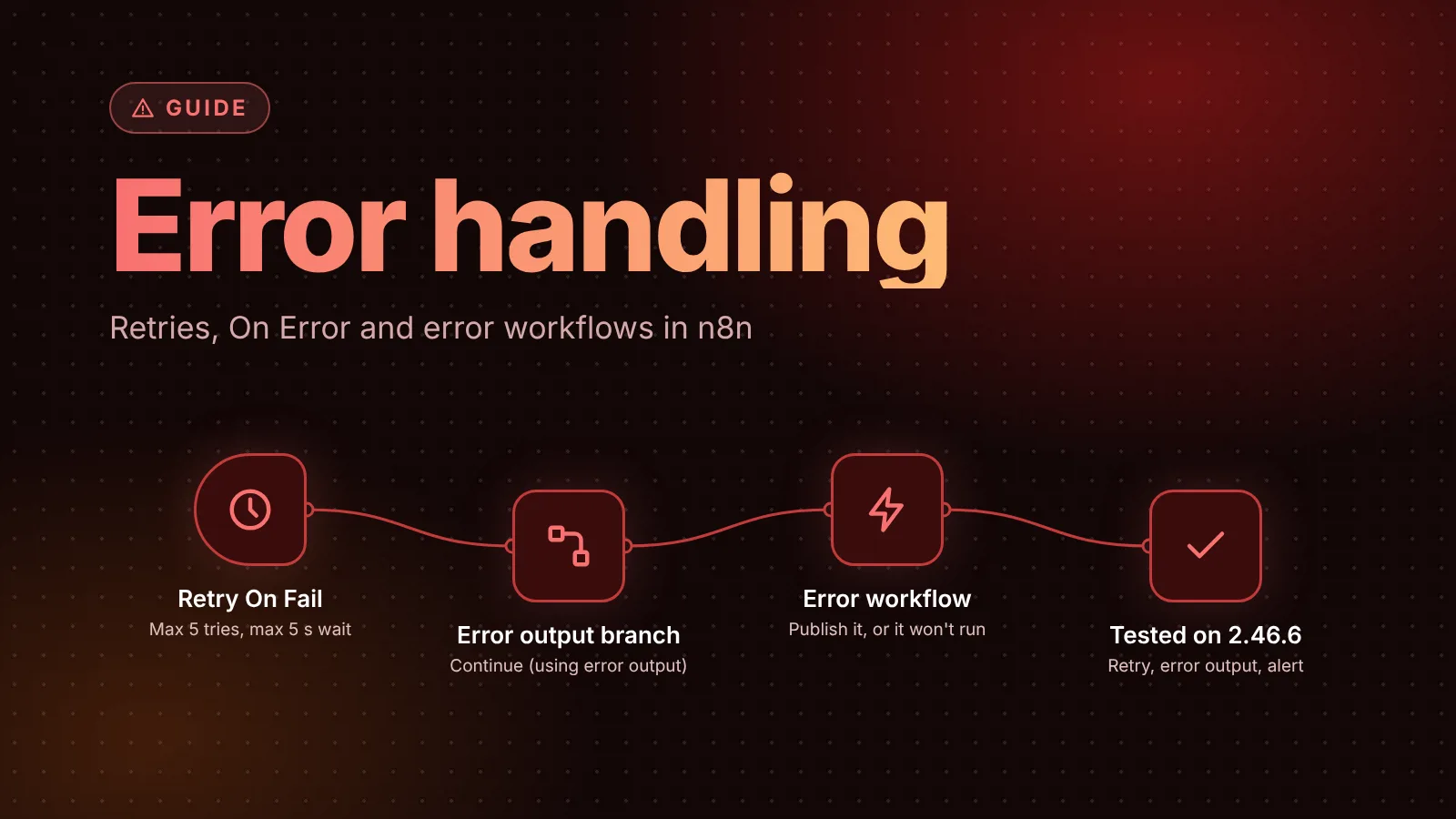
- Retry On Fail in a node's Settings, with Wait Between Tries (ms) set above the rate limit. It retries after a failure rather than preventing one; our error handling guide covers its limits.
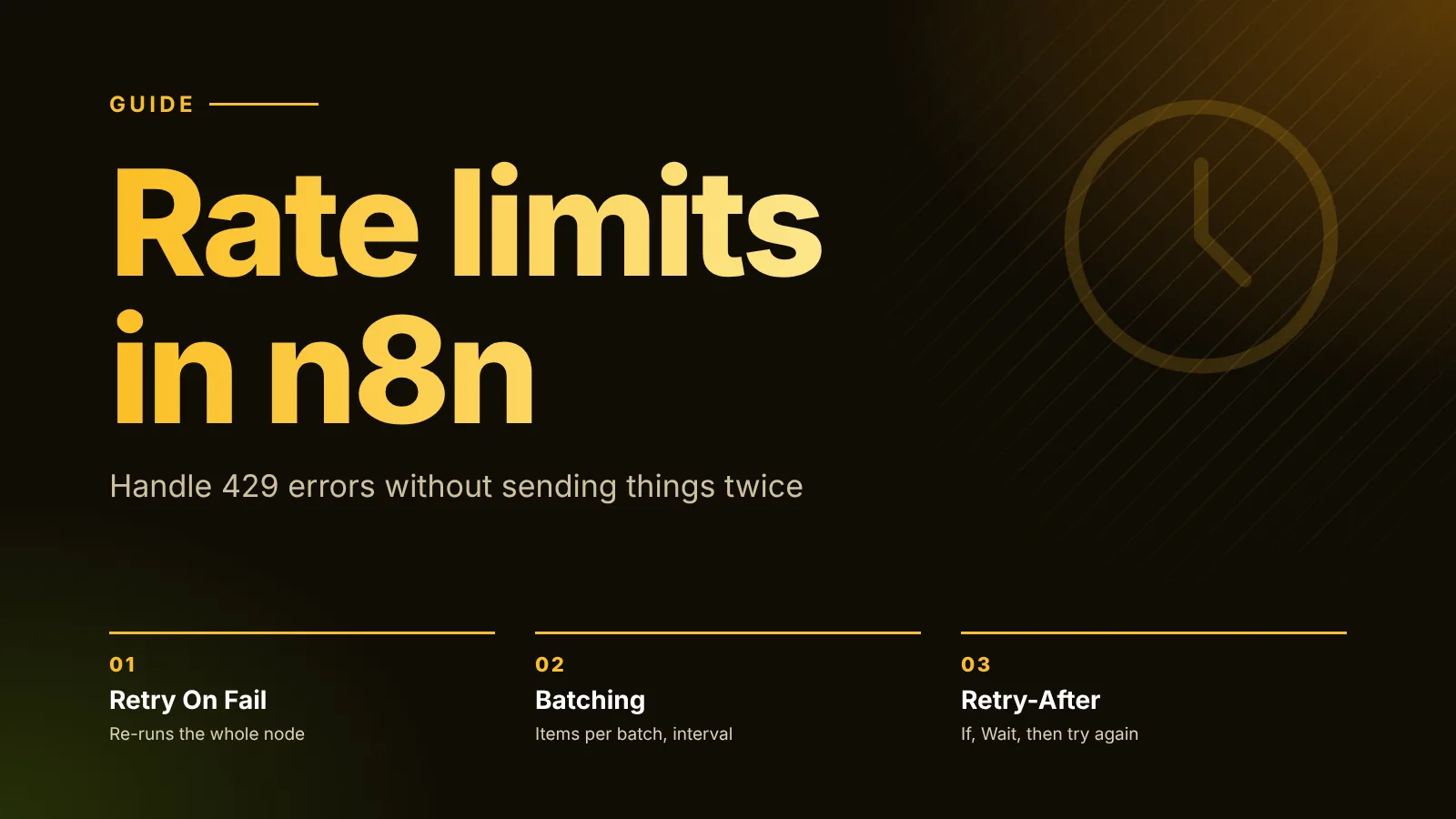
For 429 errors and the Retry-After header, see our rate limits guide.
Use the loop when the rate-limited call isn't an HTTP Request node (an app node such as an AI or CRM node), or when each batch needs several steps.
Pagination: loop until there are no more pages
First check the HTTP Request node's built-in Pagination option. Its two modes, Update a Parameter in Each Request and Response Contains Next URL, fetch every page inside one node, no loop needed (see the HTTP Request docs).
When you need a hand-built loop (the page logic is unusual, or the paginated call is a node without that option), this is the pattern the docs describe: Loop Over Items with Reset turned on, the call, an If that checks whether there's another page, and a node that sets the next page number before going back.
Paginating with Loop Over Items and Reset (tested on n8n 2.39.8)
Nodes (7)
- Code ×4
- If
- Loop Over Items
- Manual Trigger
Credentials you'll need
None
To import: copy the JSON, open a workflow in n8n and paste onto the canvas (Ctrl+V or ⌘V). Credentials are never included; connect your own after importing.
In the test, Fetch Page is a Code node standing in for an API with three pages of two records each. With Reset on, the workflow fetched pages 1, 2 and 3, the If sent page 3 to its false branch, and Collect All Pages returned all six records.
Two things we saw that the docs don't spell out:
- Without Reset, the loop stops after page 1. We turned Reset off and ran it again. Loop Over Items treated
{ page: 2 }as a finished result, sent it out of done (which had nothing connected) and the execution ended with status success after fetching one page. Reset makes the node treat each item that comes back as a fresh input instead of a finished result. - With Reset on,
currentRunIndexstays at0, because the node starts over every round. Use$runIndexin the nodes inside the loop instead (it counted 0, 1, 2 in Fetch Page).
The exit is your job here. The docs warn that if the termination condition never matches, the execution gets stuck in an infinite loop. Check the field the API really uses to signal the last page (an empty list, a missing next link, a has_more: false) and test it against the API's actual last page.
Collect the results of every round
The pagination loop has no done output to collect from (it exits through the If), and each node inside it runs once per round. To gather every round's output, read a node's earlier runs with $("<node-name>").all(branchIndex, runIndex), as described in n8n's reference for other nodes' output. This is the Code node from the test:
const records = [];
let pages = 0;
for (let run = 0; ; run++) {
  let items;
  try { items = $('Fetch Page').all(0, run); } catch (e) { break; }
  if (!items || items.length === 0) break;
  pages++;
  for (const i of items) records.push(...i.json.records);
}
return [{ json: { pages, records } }];
It returned { "pages": 3, "records": [11, 12, 21, 22, 31, 32] }. The expressions cheat sheet has more on $('Node') and $runIndex.
The pitfall: a round that returns nothing ends the loop
This is an easy way to end up with a loop that processed only some of your items. Loop Over Items only hands out the next batch when something arrives back at its input. If a node in the loop branch outputs zero items for a round, nothing comes back, and the loop simply stops.
We tested it with five items, Batch Size 1, and a Filter that drops n = 3:
- Items 1 and 2 went around the loop normally.
- Item 3 was filtered out, so nothing went back to Loop Over Items.
- Items 4 and 5 were never processed, the node on done never ran, and the execution still finished with status success. No error, no warning.
The fix is to make sure every round returns at least one item. In the test, replacing the Filter with an If and connecting both of its outputs back to Loop Over Items (the true branch through the processing node, the false branch directly) processed all five rounds, and done received all five items with only the four real ones marked as processed.
Other ways to get the same result:
- Filter before the loop or after done, not inside the loop branch.
- Watch for nodes that can return zero items for some inputs: a search that finds nothing, an API list that's empty, a Code node that returns
[]. Per n8n's node settings docs, Always Output Data (in Settings) makes a node return an empty item even when it has no data, so something still goes back to the loop. The nodes after it then get that empty item, so handle it explicitly. The same docs warn that setting it on an If node can cause an infinite loop. We didn't test this variant.
Common questions
Do I need an If node to stop Loop Over Items? Not for a normal batch loop. The docs say the node stops by itself once all items have been divided into batches and passed on. You only need an exit condition when you use Reset to loop over pages.
Why does done output different data from what I sent in? Because it returns what came back into the node at the end of each round, which is your processed data. If you need the original input too, read it from the node before the loop with $('Node Name').all().
Is Split in Batches a different node? No. Loop Over Items is the current name of the Split in Batches node (version 3); the node's full name in n8n is Loop Over Items (Split in Batches).
Next steps
- New to the building blocks? What is n8n explains nodes, items and expressions.
- Handle failed calls inside the loop with retries and error outputs: n8n error handling.
- Heavy Code node work in batches runs into task runner limits: see n8n task runners.
Sources
- Looping in n8n (n8n docs)
- Loop Over Items (Split in Batches) node (n8n docs)
- Handle rate limits (n8n docs)
- HTTP Request node, Batching and Pagination options (n8n docs)
- Output of other nodes, $("<node-name>").all(branchIndex, runIndex) (n8n docs)
- Memory-related errors, splitting work into sub-workflows (n8n docs)
- Work with nodes, node settings (n8n docs)
- SplitInBatchesV3 node source (n8n on GitHub)
Editorial team
The then8nblog editorial team researches every article from n8n's release notes, documentation and source code, states the n8n version each guide was tested on, and has every post reviewed by a human editor before it goes live.