n8n queue mode: Redis, workers and webhook processors
Set up n8n queue mode with Docker Compose: Redis, Postgres, workers with their own task runners and a webhook processor, tested on n8n 2.46.6 under load.
n8n queue mode splits one instance into several processes: a main instance that serves the editor and receives triggers, Redis as the queue, and one or more workers that run the executions. You turn it on with EXECUTIONS_MODE=queue on every n8n process, a shared Postgres database and the same N8N_ENCRYPTION_KEY everywhere. This guide gives you a Docker Compose setup with a worker, its own task runner and a webhook processor, which we ran on n8n 2.46.6 with real webhook load.
The short version
- When you need it: when one n8n process can't keep up with production executions, or a heavy workflow slows down the editor. For a single busy instance, try concurrency control first.
- What it costs: queue mode is part of the free community edition, according to n8n's feature list. The Settings > Workers view and multi-main setups need an Enterprise license.
- What you need: Postgres (n8n says SQLite isn't supported for queue mode), Redis, the same n8n version and encryption key on every process, and one task runner container per worker.
- What we saw: 60 parallel webhook calls all returned 200, split 35/25 across two workers. With every worker stopped, a webhook call waited in Redis and got its answer 26 seconds later, as soon as a worker came back.
- Before 3.0:
OFFLOAD_MANUAL_EXECUTIONS_TO_WORKERSis removed in n8n 3.0, where manual executions always run on workers. See n8n 3.0 breaking changes.
How queue mode works
n8n's queue mode docs describe this flow:
- The main instance handles timers and webhook calls and creates an execution, but doesn't run it.
- It puts the execution ID on a queue in Redis.
- The next free worker takes the job, loads the workflow from the database and runs it.
- The worker writes the result to the database and tells Redis the job is done, and Redis notifies the main instance.
Each worker runs up to 10 executions at the same time by default (--concurrency). n8n recommends a concurrency of 5 or more, because many workers with low concurrency can exhaust the database's connection pool.
A webhook processor is an optional extra process that only receives production webhook calls and queues them. It takes that load off the main instance, so the editor stays responsive. You put a reverse proxy in front that sends /webhook/* to the webhook processors and everything else to main.
What the setup looks like
| Service | Command | What it does |
|---|---|---|
postgres | (default) | Workflows, credentials and execution data, shared by every n8n process |
redis | redis-server | The job queue |
n8n | (default) | Main instance: editor, API, schedules and other triggers |
n8n-worker | worker | Runs executions from the queue |
n8n-worker-runner | (default) | Runs Code node JavaScript and Python for that worker |
n8n-webhook | webhook | Receives production webhook calls and queues them |
caddy | (default) | HTTPS, and routes /webhook/* to the webhook processor |
The runner container matters. n8n's task runner docs say that in queue mode "each worker needs to have its own sidecar container for task runners." Without one, a worker can't run Code nodes. n8n task runners explained covers external mode in detail.
Step 1: Create the .env file
This builds on the setup in Self-host n8n with Docker Compose. If you already run that, keep its Postgres data and encryption key. If the key changes, n8n can't decrypt your saved credentials.
# .env
N8N_VERSION=2.46.6
N8N_DOMAIN=n8n.example.com
POSTGRES_PASSWORD=<long-random-password>
REDIS_PASSWORD=<another-long-random-password>
N8N_ENCRYPTION_KEY=<the-key-your-instance-already-uses>
RUNNERS_AUTH_TOKEN=<a-third-random-secret>
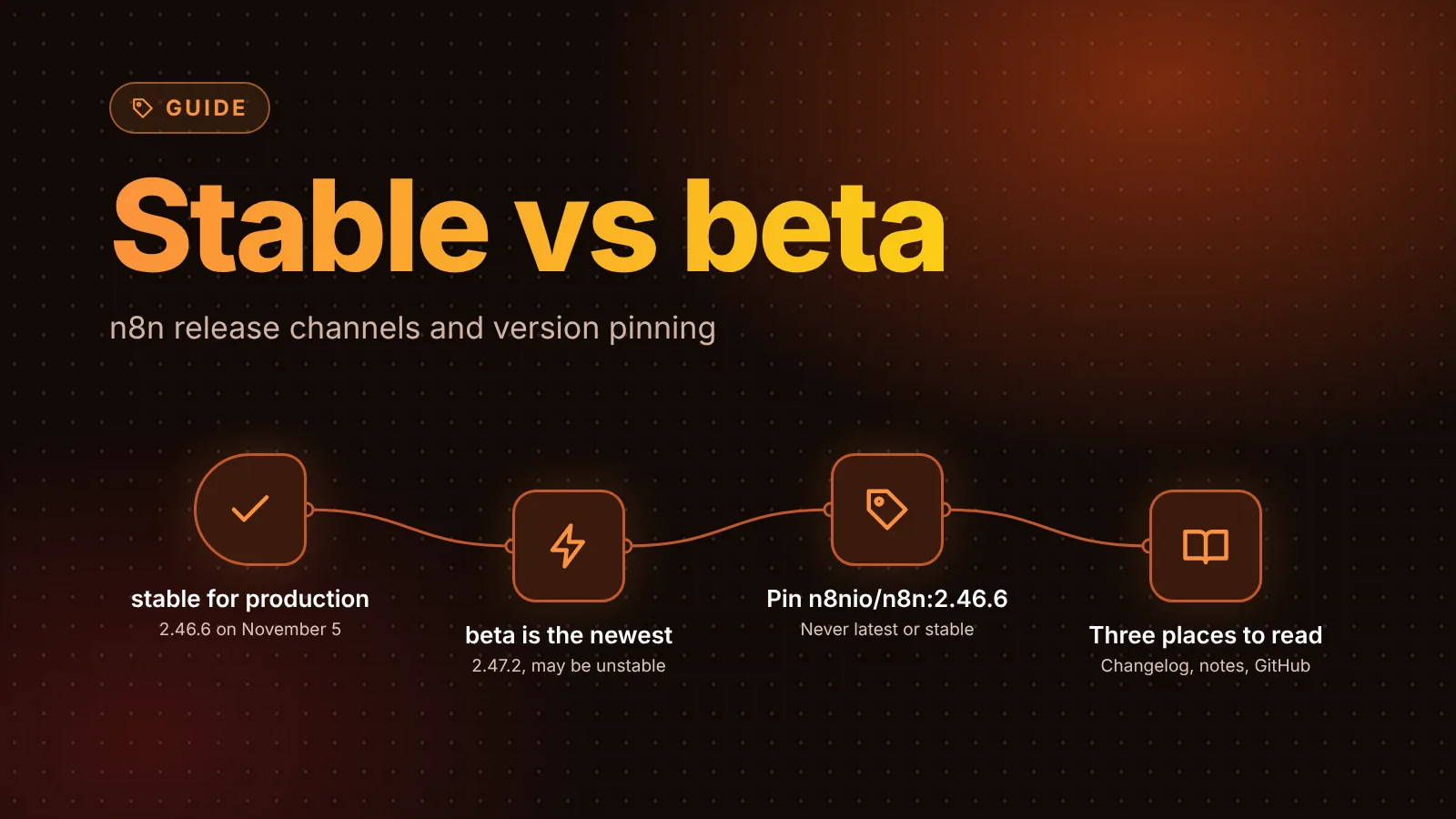
Generate new secrets with openssl rand -hex 32. Pin N8N_VERSION to an exact version: n8n's docs require every main and worker process to run the same version, and the n8nio/runners image must match the n8nio/n8n image. When we checked npm on November 5, 2026, the stable release was 2.46.6.
Step 2: Write compose.yaml
The x-n8n block holds the settings every n8n process shares, so main, worker and webhook processor can't drift apart.
x-n8n: &n8n-common
  image: n8nio/n8n:${N8N_VERSION}
  restart: unless-stopped
  environment:
    DB_TYPE: postgresdb
    DB_POSTGRESDB_HOST: postgres
    DB_POSTGRESDB_DATABASE: n8n
    DB_POSTGRESDB_USER: n8n
    DB_POSTGRESDB_PASSWORD: ${POSTGRES_PASSWORD}
    N8N_ENCRYPTION_KEY: ${N8N_ENCRYPTION_KEY}
    # Queue mode
    EXECUTIONS_MODE: queue
    QUEUE_BULL_REDIS_HOST: redis
    QUEUE_BULL_REDIS_PASSWORD: ${REDIS_PASSWORD}
    QUEUE_HEALTH_CHECK_ACTIVE: 'true'
    OFFLOAD_MANUAL_EXECUTIONS_TO_WORKERS: 'true'   # remove when you move to 3.0
    # Code node runs in the worker's runner container
    N8N_RUNNERS_MODE: external
    N8N_RUNNERS_AUTH_TOKEN: ${RUNNERS_AUTH_TOKEN}
    N8N_RUNNERS_BROKER_LISTEN_ADDRESS: 0.0.0.0
    # Public URL
    N8N_HOST: ${N8N_DOMAIN}
    N8N_PROTOCOL: https
    N8N_WEBHOOK_URL: https://${N8N_DOMAIN}/
    N8N_PROXY_HOPS: 1
  depends_on:
    postgres:
      condition: service_healthy
    redis:
      condition: service_healthy

services:
  postgres:
    image: postgres:17
    restart: unless-stopped
    environment:
      POSTGRES_USER: n8n
      POSTGRES_PASSWORD: ${POSTGRES_PASSWORD}
      POSTGRES_DB: n8n
    volumes:
      - db_storage:/var/lib/postgresql/data
    healthcheck:
      test: ['CMD-SHELL', 'pg_isready -U n8n -d n8n']
      interval: 5s
      timeout: 5s
      retries: 10

  redis:
    image: redis:7
    restart: unless-stopped
    command: ['redis-server', '--requirepass', '${REDIS_PASSWORD}', '--appendonly', 'yes']
    environment:
      REDIS_PASSWORD: ${REDIS_PASSWORD}
    volumes:
      - redis_storage:/data
    healthcheck:
      test: ['CMD-SHELL', 'redis-cli -a "$$REDIS_PASSWORD" --no-auth-warning ping | grep PONG']
      interval: 5s
      timeout: 5s
      retries: 10

  n8n:
    <<: *n8n-common
    volumes:
      - n8n_storage:/home/node/.n8n

  n8n-worker:
    <<: *n8n-common
    command: worker --concurrency=10

  n8n-worker-runner:
    image: n8nio/runners:${N8N_VERSION}
    restart: unless-stopped
    environment:
      N8N_RUNNERS_AUTH_TOKEN: ${RUNNERS_AUTH_TOKEN}
      N8N_RUNNERS_TASK_BROKER_URI: http://n8n-worker:5679
    depends_on:
      - n8n-worker

  n8n-webhook:
    <<: *n8n-common
    command: webhook

  caddy:
    image: caddy:2
    restart: unless-stopped
    ports:
      - 80:80
      - 443:443
    environment:
      N8N_DOMAIN: ${N8N_DOMAIN}
    volumes:
      - ./Caddyfile:/etc/caddy/Caddyfile:ro
      - caddy_data:/data
      - caddy_config:/config
    depends_on:
      - n8n
      - n8n-webhook

volumes:
  db_storage:
  redis_storage:
  n8n_storage:
  caddy_data:
  caddy_config:
A few choices worth knowing about:
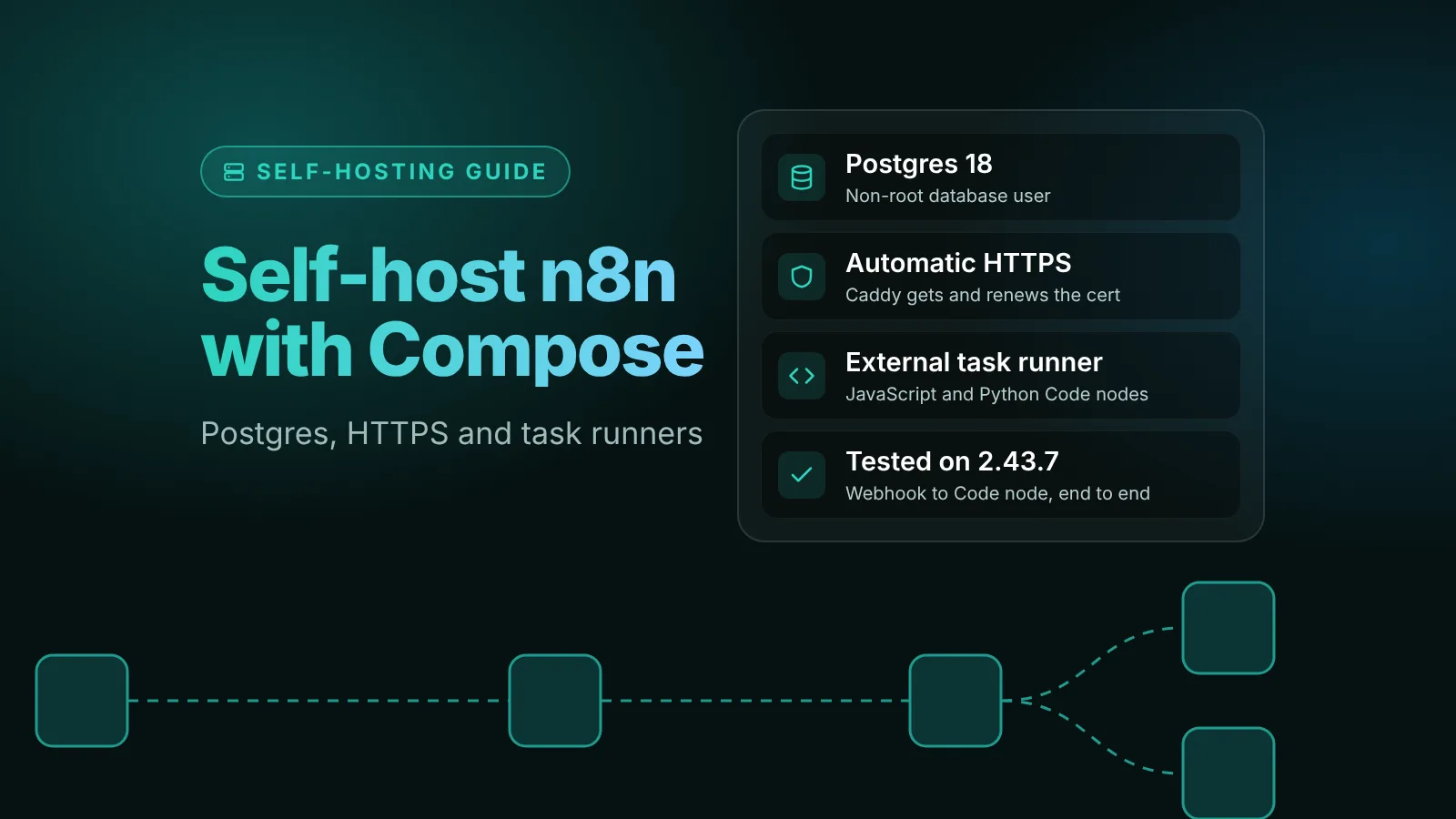
- Postgres 17. n8n's database docs support 17 and 18, plus 16 for compatibility. If you're adding queue mode to an existing setup, keep the Postgres service you already have.
- Redis with a password and append-only file. n8n's docs list
QUEUE_BULL_REDIS_PASSWORDand the otherQUEUE_BULL_REDIS_*variables. The append-only file keeps queued jobs on disk if Redis restarts. Don't publish Redis's port to the internet. QUEUE_HEALTH_CHECK_ACTIVEturns on/healthzand/healthz/readinesson the workers. The readiness check reports whether the worker's database and Redis connections work.- Binary data: queue mode can't use the
filesystemmode, because workers don't share the main instance's disk. n8n's source makesdatabasethe default in queue mode, so you don't have to set anything unless you want S3. See n8n binary data storage. - Only main gets the
.n8nvolume. Workers and webhook processors read everything they need from Postgres and the shared encryption key.
Step 3: Route webhooks in Caddy
Save this as Caddyfile:
{$N8N_DOMAIN} {
	@webhooks path /webhook/* /webhook-waiting/*
	reverse_proxy @webhooks n8n-webhook:5678
	reverse_proxy n8n:5678
}
These are the paths n8n's docs tell you to send to webhook processors: /webhook/* for Webhook triggers and /webhook-waiting/* for nodes that send a message and wait for a reply. Test webhook URLs (/webhook-test/*) and everything else must go to the main instance. We tested this routing over plain HTTP: a production webhook call through Caddy was queued by the webhook processor, and the editor's sign-in page came from main.
Step 4: Start it and check every process
docker compose up -d
docker compose logs n8n-worker | grep -A4 "worker is now ready"
A healthy worker prints its version and concurrency:
n8n worker is now ready
 * Version: 2.46.6
 * Concurrency: 10
The worker log should also show Registered runner "launcher-javascript" and Registered runner "launcher-python", which means its runner container connected. The webhook processor logs Webhook listener waiting for requests. To check a worker's health endpoint from inside the container:
docker compose exec n8n-worker wget -qO- http://127.0.0.1:5678/healthz/readiness
# {"status":"ok"}
Step 5: Test it with a webhook
Build a two-node workflow: a Webhook trigger (method POST, Respond set to When Last Node Finishes) and a Code node that returns { ok: true }. Publish it and call the production URL:
curl -X POST https://n8n.example.com/webhook/queue-test \
  -H 'content-type: application/json' -d '{"order":1}'
The webhook processor logs Enqueued execution 3 (job 3), and a worker logs Worker started execution 3 (job 3) and Worker finished execution 3 (job 3). The caller gets the Code node's output, because the worker sends the result back through Redis.
Here is what we saw on n8n 2.46.6:
- One worker, 40 parallel calls: all 40 returned HTTP 200.
- Two workers, 60 parallel calls: all 60 returned 200, with 35 executions on the first worker and 25 on the second.
- No workers running: the call stayed open while the job waited in Redis, and returned 200 with the result 26 seconds later, as soon as we started a worker again. Two jobs queued before the worker was ready ran as soon as it started.
Add more workers
Every worker needs its own runner, so add workers in pairs:
  n8n-worker-2:
    <<: *n8n-common
    command: worker --concurrency=10

  n8n-worker-2-runner:
    image: n8nio/runners:${N8N_VERSION}
    restart: unless-stopped
    environment:
      N8N_RUNNERS_AUTH_TOKEN: ${RUNNERS_AUTH_TOKEN}
      N8N_RUNNERS_TASK_BROKER_URI: http://n8n-worker-2:5679
    depends_on:
      - n8n-worker-2
Don't use docker compose up --scale n8n-worker=3 for this. The runner points at the worker by hostname, and with several replicas behind one name there's no guarantee each worker gets its own runner.
To add capacity, raise --concurrency first if the server has CPU and memory to spare, then add workers, on other servers if needed. A worker on another machine only needs to reach Postgres and Redis.
Upgrades and shutdowns
- Upgrade everything together. Stop the stack, change
N8N_VERSIONand start it again, so main, workers, webhook processors and runners all run the same version. Our update guide covers backups and rollbacks. - Graceful shutdown:
N8N_GRACEFUL_SHUTDOWN_TIMEOUT(30 seconds by default) is how long a worker waits for running executions before it exits. - Recent fixes: 2.44 returns jobs to the queue when a worker shuts down while taking them, and 2.47 hands new jobs to idle workers in turn and lets a stop request reach the worker that runs the job.
- n8n 3.0: remove
OFFLOAD_MANUAL_EXECUTIONS_TO_WORKERS, because manual test runs always go to workers. Give the workers enough memory for the test runs you make in the editor.
Common errors and fixes
The worker starts but never says it's ready
On a Docker host without IPv6, our worker loaded its modules, logged Worker server initialized and then did nothing: jobs piled up in Redis and webhook callers waited. The main instance and the webhook processor crashed instead, with n8n's address '::' is not available ... provide correct address in the environment variables N8N_LISTEN_ADDRESS and/or N8N_WORKER_SERVER_ADDRESS. Adding both variables to the shared block fixed it:
    N8N_LISTEN_ADDRESS: 0.0.0.0
    N8N_WORKER_SERVER_ADDRESS: 0.0.0.0
"No matching task offer" in the worker log
We saw No matching task offer for request ... (type "javascript") right after a worker started, while its runner was still connecting. The executions finished once the runner registered. If the message keeps coming, check that the runner's N8N_RUNNERS_TASK_BROKER_URI points at its own worker and that N8N_RUNNERS_AUTH_TOKEN matches.
Executions wait and never run
Check that at least one worker is up and logged n8n worker is now ready, and that every process uses the same Redis host, password and database. n8n's docs also list QUEUE_BULL_PREFIX: if one process sets a different prefix, it uses a different queue.
Credentials fail on workers but work in the editor
Workers decrypt credentials with N8N_ENCRYPTION_KEY. n8n's docs say the main instance's key "must be shared with all worker and webhooks processor nodes." Keeping it in the shared x-n8n block avoids this.
Next steps
- Watch for failed runs across all workers with the daily digest of failed executions.
- More on scaling and performance is collected under the scaling tag.
Sources
Editorial team
The then8nblog editorial team researches every article from n8n's release notes, documentation and source code, states the n8n version each guide was tested on, and has every post reviewed by a human editor before it goes live.