n8n stable vs beta: release channels and how to pin a version
n8n ships a new minor most weeks on two release channels, stable and beta. Which one to run, where to read the changelog, and how to pin a version.
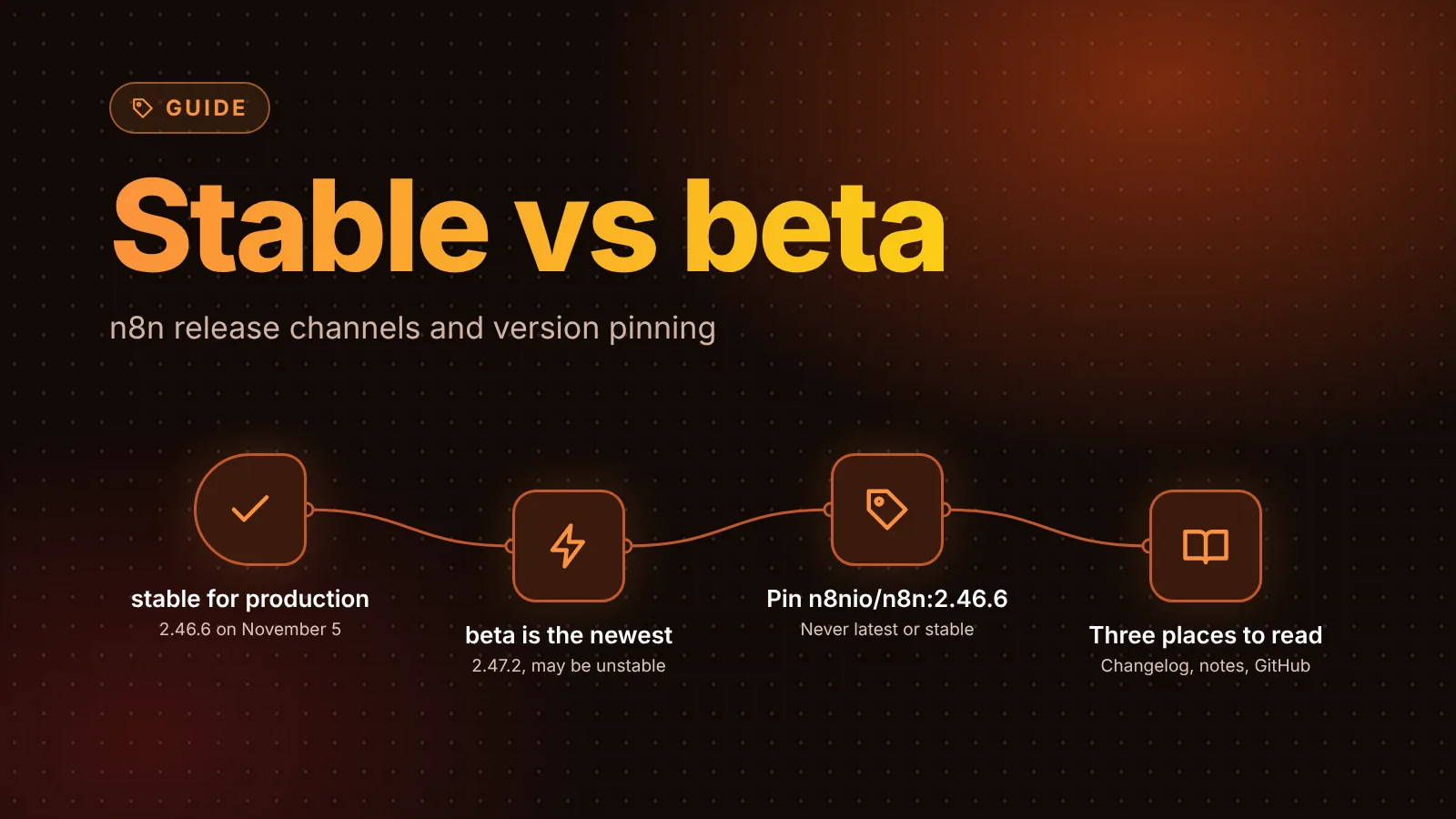
n8n releases on two channels: stable, which n8n says is for production use, and beta, the most recent release, which "may be unstable." A new minor version ships most weeks, first on beta, and a later patch of it becomes stable after it has spent time on beta. On a self-hosted instance, the safest setup is to run stable and pin the exact version number instead of a moving tag.
The short version
- Two channels:
stablefor production,betafor the newest release. npm and Docker Hub also keep the older nameslatest(same asstable) andnext(same asbeta). - Right now (November 5, 2026): stable is 2.46.6, beta is 2.47.2.
- Cadence: a new minor most weeks. It reaches stable as a later patch, about a week after the
.0release in recent cycles. - Version numbers:
MAJOR.MINOR.PATCH. A major version can need action from you, and n8n 3.0 is the next one. - Pin it: use
n8nio/n8n:2.46.6in Docker Compose, notlatestorstable, and give the task runner image the same number. - n8n Cloud: pick Beta or Stable under Instance settings > Updates in the Cloud console.
- Release notes: n8n's Changelog (highlights), Release notes (every feature, with an RSS feed) and GitHub releases (everything, including bug fixes).
Stable vs beta: what n8n says
n8n's docs carry the same note on every install page (source):
n8n releases a new minor version most weeks. The
stableversion is for production use.betais the most recent release. Thebetaversion may be unstable.
The n8n Cloud update docs describe the two tracks in more detail. Beta gets new releases "as soon as they're ready." Stable is "a later, more proven patch of a release, cut after it's spent time on the Beta track," and n8n recommends it "for all mission-critical workloads." The docs also say n8n tests both tracks.
So beta isn't a nightly or a preview build. It's the newest real release, before it has run in production for long.
How a release moves from beta to stable
You can see the pattern in npm's publish dates for the last two cycles:
| Minor | .0 published (beta) | Stable on |
|---|---|---|
| 2.45 | 2.45.0, October 20 | 2.45.5, published October 28 |
| 2.46 | 2.46.0, October 27 | 2.46.4 (published November 2) by November 4, then 2.46.6 |
| 2.47 | 2.47.0, November 3 | not yet; 2.47.2 is the beta |
The "stable" column comes from the dist-tags we recorded on those dates in our release roundups (2.46, 2.47); npm itself only shows the current tags. Two things follow from it:
- Stable is never a
.0. In these cycles it was a patch about a week after the minor's first release. - Patches land on both lines. On November 4, n8n published 2.46.6 and 2.47.2 within an hour of each other, with the same fix ("Make npm install of n8n work on all platforms again") in both changelogs.
Which channel should you run?
- Production: stable. It's what n8n recommends, and it's a later patch that has already had its time on beta.
- Staging or a test instance: beta, if you want to check the next release against your workflows before it reaches stable. This is the cheapest way to catch a breaking change early.
- Only one instance: stable, and read the release roundup before you upgrade.
Docker tags and how to pin a version
On Docker Hub, n8nio/n8n has four moving tags. On November 5, 2026 they pointed here (we compared image digests):
| Tag | Points to | Use it for |
|---|---|---|
stable, latest | 2.46.6 | Never in Compose files; it changes under you on the next pull |
beta, next | 2.47.2 | Quick tests only |
2.46.6 (an exact version) | 2.46.6 | Production |
n8n renamed the channels in 2.0: per the 2.0 breaking changes page, latest and next became stable and beta, and the old tags "will be removed in a future major version." Switch any latest or next in your scripts now. The same page recommends pinning a specific version number.
The n8nio/runners task runner image has stable and beta tags too, and they matched the same versions (2.46.6 and 2.47.2).
n8n's Docker install docs show all three ways to pull: docker pull n8nio/n8n for the latest stable, docker pull n8nio/n8n:1.81.0 for a specific version, and docker pull n8nio/n8n:next for the "unstable" next version.
In Docker Compose, pin both images to the same number:
services:
  n8n:
    image: n8nio/n8n:2.46.6
  task-runners:
    image: n8nio/runners:2.46.6
Pinning means nothing changes until you edit the number, so an upgrade is a deliberate step you can back up for and roll back from. To check which version a container runs:
docker compose exec n8n n8n --versionWhen you upgrade, change both numbers, take a backup first, then docker compose pull && docker compose up -d. Our guide on how to update self-hosted n8n safely covers the backup and rollback steps.
npm: the same tags, for now
The npm package uses the same dist-tags: stable and latest (2.46.6), and beta, next and rc (2.47.2) on November 5. The npm install docs pin a version with @:
npm install -g n8n@2.46.6From n8n 3.0, n8n is distributed only as a Docker image, so npm installs can't upgrade to 3.x. If you run n8n from npm, our guide on moving n8n from npm to Docker walks through the switch.
n8n Cloud: release track, cadence and maintenance window
On n8n Cloud you don't pull images. In the Cloud console, under Instance settings > Updates, the instance owner sets (Cloud docs):
- n8n version: the exact version the instance runs. Changing it needs Save and restart, with one to two minutes of downtime. Updates to a major version, or ones that run a database migration, can't be rolled back.
- Release track: Beta or Stable, switchable at any time.
- Update cadence: Every 2 weeks (recommended for most instances) or Every new release. Either way, n8n upgrades every instance at least every two weeks "so security fixes reach everyone."
- Maintenance window: Anytime, or Pick a window with a start and end time.
Where to read release notes
n8n publishes three levels of detail (release notes page):
- Changelog: a curated summary of the most important new features.
- Release notes: every feature-level update, one line each, newest first, also as an RSS feed.
- GitHub releases: the full change list, including bug fixes, linked to commits.
The docs warn that a feature listed in the release notes may not be available to you yet: some ship behind a feature flag, and others roll out gradually to Cloud or self-hosted instances. Our release roundups cover each minor within a couple of days, with an upgrade test.
Version notifications in the editor
Self-hosted n8n sends notifications of new versions and security updates, shown in the editor's New Versions panel. The deployment env vars control it:
N8N_VERSION_NOTIFICATIONS_ENABLED(defaulttrue): set it tofalseto turn the notifications off.N8N_VERSION_NOTIFICATIONS_ENDPOINT(defaulthttps://api.n8n.io/versions/): where n8n reads version information.
If you pin versions and upgrade on your own schedule, leave the notifications on: they're how you hear about a security update between your planned upgrades.
Sources
- Stable and Beta versions (n8n docs, reusable install note)
- Update your version, n8n Cloud (n8n docs)
- Release notes and semantic versioning (n8n docs)
- Changelog (n8n docs)
- Install with Docker (n8n docs)
- Install with npm (n8n docs)
- Deployment environment variables (n8n docs)
- n8n 2.0 breaking changes, release channels (n8n docs)
- n8n package versions and dist-tags (npm)
- n8nio/n8n image tags (Docker Hub)
Editorial team
The then8nblog editorial team researches every article from n8n's release notes, documentation and source code, states the n8n version each guide was tested on, and has every post reviewed by a human editor before it goes live.