Upgrading to n8n 3.0 is one way: back up and upgrade safely
The n8n 3.0 upgrade is one way, with no going back to 2.x. A tested plan to back up workflows, credentials and data, prove the backup, and upgrade safely.
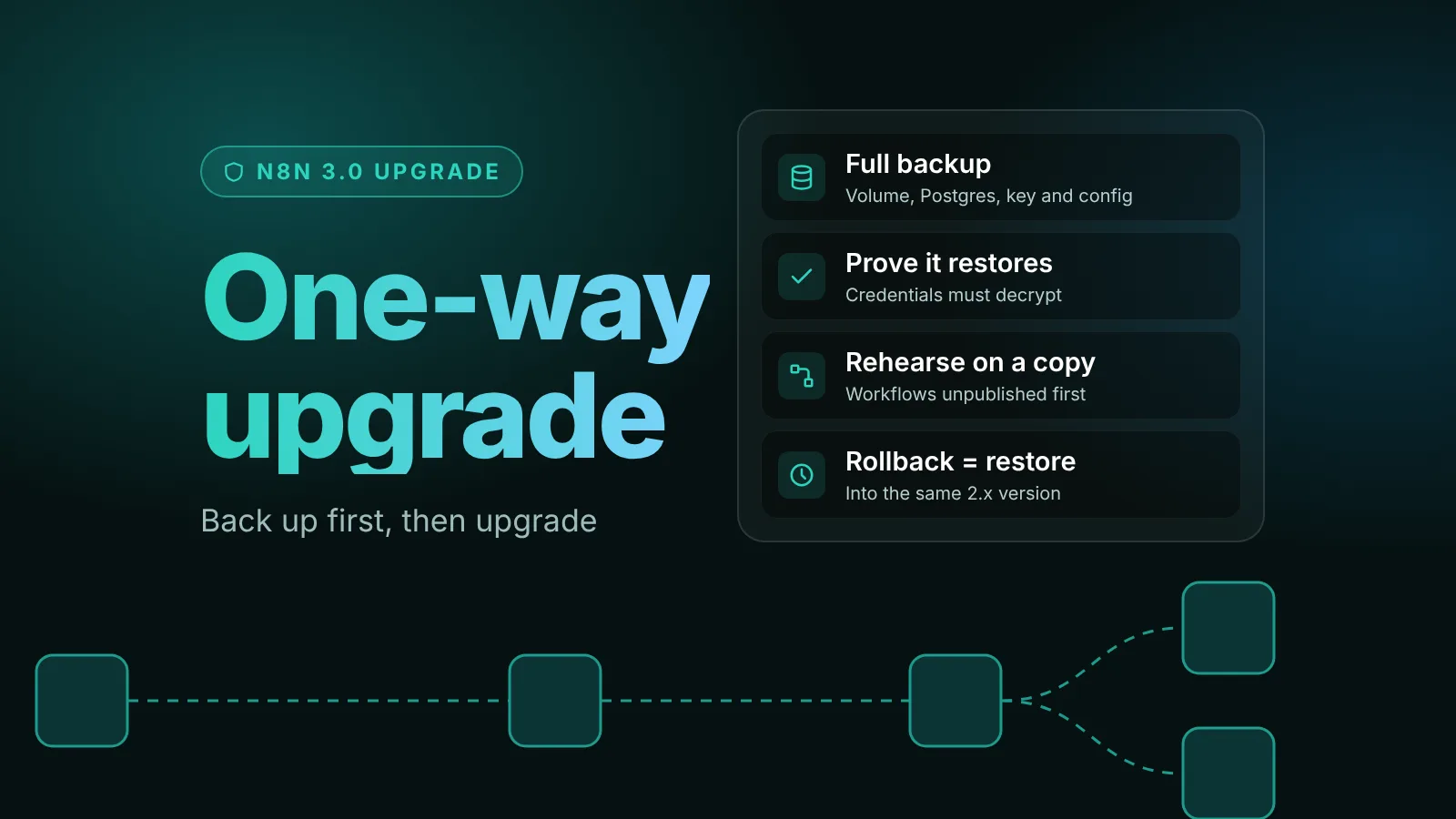
n8n has said that moving to 3.x is one way: "there's no going back to 2.x afterwards." Once n8n 3.0 has upgraded your database, the only way back is a backup taken before the upgrade. So the safe path is: take a full backup, prove that it restores, rehearse the upgrade on a copy, and only then upgrade production.
This guide walks through each step with commands we ran on October 24, 2026. We backed up an n8n 2.44.6 instance (Docker Compose, Postgres 18 and an external task runner), restored it into a separate stack, upgraded that copy to the 3.0 release candidate v3-rc-20261019.1, and then rolled a 3.0-upgraded instance back to 2.44.6 from the backup. The workflow and its credential worked at every step.
The short version
- Record what you run and pin the exact 2.x version.
- Clean up with the Migration Report before you back up, so the backup is the version you trust.
- Back up three things: the
.n8nvolume (it holds the encryption key), the Postgres database, and your Compose files and.env. Add a CLI export of workflows and credentials as a portable second copy. - Prove the backup by restoring it into a throwaway stack and checking that workflows load and credentials decrypt.
- Rehearse the 3.0 upgrade on that copy.
- Upgrade production in a maintenance window, right after a fresh backup.
- Know your rollback: restore the pre-upgrade backup into the old 2.x version. Never point 2.x at a database 3.x has touched.
What "one way" means for you
n8n's 3.0 announcement of October 23 sets the dates: the 3.0.0 beta on October 27, 2026, and stable 3.x in early December. It also says the upgrade is one way and recommends testing on a non-production instance with a full backup first. 2.x keeps getting security and critical bug fixes for 12 months after the stable release, so you don't have to rush.
In our test of a 3.0 nightly build on October 18, pointing 2.x back at upgraded data still worked. Don't rely on that. n8n's own development guide allows destructive database migrations after the 3.0 release, and n8n now says there's no going back. Plan as if the only rollback is a restore, because it is.
Step 1: Record what you run
Write down the exact versions before you change anything. From the folder with your compose.yaml:
docker compose exec n8n n8n --version   # 2.44.6 in our test
docker compose images                   # every image and tag in the stack
If your Compose file uses a moving tag such as latest or stable, replace it with the exact version now (in compose.yaml, or N8N_VERSION in .env if you followed our Docker Compose guide). This version is what you will restore into if the upgrade fails, and a moving tag could jump to 3.x once n8n promotes it. If you run an external task runner, pin n8nio/runners to the same version.
Step 2: Get your workflows ready before you back up
Fix problems on 2.x first, so the backup you keep is a clean, working state.
- Update to the latest stable 2.x. On October 24 that's 2.44.6. n8n's announcement asks for the latest 2.x before the upgrade.
- Open Settings > Migration Report (from n8n 2.39). It lists every workflow and setting that 3.0 breaks. Fix each item, or mark it won't fix. Many fixes can be applied for you; per the announcement, "each fix is saved as a new workflow version." Republish each one: in our 2.45 test, the published workflow kept the old node until we did.
- Move off npm if you run n8n with
npmornpx. 3.0 requires Docker (Kubernetes and Helm setups aren't affected).
Our n8n 3.0 breaking changes guide explains every change and its replacement.
Step 3: Take a full backup
A complete n8n backup has three parts, according to n8n's backup and restore page:
| What | Why you need it |
|---|---|
The .n8n volume (n8n_n8n_storage in our setup) | It holds the config file with the credential encryption key, and stored files if you use filesystem storage. |
| The Postgres database | Workflows, credentials, users, settings and execution history. |
Your deployment files: compose.yaml, .env, init-data.sh | The database settings, image versions and N8N_ENCRYPTION_KEY the restored instance needs. |
Stop n8n so nothing writes while you copy, but keep Postgres running for the dump:
docker compose stop n8n n8n-runner
mkdir -p backups

# 1. The .n8n volume (check the name with: docker volume ls)
docker run --rm -v n8n_n8n_storage:/data:ro -v "$PWD/backups":/backup alpine \
  tar czf /backup/n8n-data.tgz -C /data .

# 2. The database
docker compose exec -T postgres sh -c 'pg_dump -U "$POSTGRES_USER" -d "$POSTGRES_DB"' \
  > backups/n8n-db.sql

# 3. The deployment files
cp compose.yaml .env init-data.sh backups/
Add a portable copy of workflows and credentials
The n8n CLI can export every workflow and credential as one JSON file each. It isn't a full backup, since it leaves out users, executions and settings, but it's a second, readable copy you can import anywhere:
mkdir -p backups/workflows backups/credentials
sudo chown -R 1000:1000 backups/workflows backups/credentials

docker compose run --rm -v "$PWD/backups":/backups n8n \
  export:workflow --backup --output=/backups/workflows/
docker compose run --rm -v "$PWD/backups":/backups n8n \
  export:credentials --backup --output=/backups/credentials/
The chown matters. The n8n container runs as the node user (uid 1000). Without it, our first export failed with EACCES: permission denied, mkdir '/backups/workflows/'. Use separate folders for workflows and credentials; n8n's docs note that importing credentials fails when workflow files are in the same folder.
The exported credentials stay encrypted. They can only be imported by an instance with the same encryption key, so keep the key with the backup.
Check the backup files
tar tzf backups/n8n-data.tgz | grep config                          # the key file is there
grep -c "PostgreSQL database dump complete" backups/n8n-db.sql     # prints 1
(cd backups && sha256sum n8n-data.tgz n8n-db.sql > SHA256SUMS)
Then copy the whole backups folder off the server. It contains your encryption key and database credentials, so store it like a password vault, not in a public bucket. Start n8n again with docker compose up -d when you're done.
Step 4: Prove the backup restores
An untested backup is a guess. Restore it into a separate Compose project with its own volumes, on the same server or another one:
mkdir ../n8n-restore-test && cd ../n8n-restore-test
cp ../n8n/backups/compose.yaml ../n8n/backups/.env ../n8n/backups/init-data.sh .
# If the stack publishes ports, change them in compose.yaml so they don't clash

docker compose create        # creates this project's volumes

docker run --rm -v n8n-restore-test_n8n_storage:/data -v "$PWD/../n8n/backups":/backup alpine \
  tar xzf /backup/n8n-data.tgz -C /data

docker compose up -d postgres
docker compose exec -T postgres sh -c 'psql -U "$POSTGRES_USER" -d "$POSTGRES_DB"' \
  < ../n8n/backups/n8n-db.sql

# Before n8n starts: unpublish everything, so the copy's triggers don't fire
docker compose run --rm n8n unpublish:workflow --all
docker compose up -d
Compose names volumes after the folder, which is why the copy's volume is n8n-restore-test_n8n_storage. Unpublishing first matters: a copy with live schedules and webhooks would send the same emails and process the same orders as production.
Then check that the data and the key work together:
docker compose exec n8n n8n export:workflow --all              # your workflows are listed
docker compose exec n8n n8n export:credentials --all --decrypted   # secrets readable
In our test, the restore reported no errors, the workflow was there, and the credential decrypted to its original value. Only run the --decrypted export on the test copy and only to the screen: it prints every secret in plain text. If credentials don't decrypt, the copy is using a different encryption key than the one in your backup, which you need to fix before you go further.
Step 5: Rehearse the 3.0 upgrade on the copy
Now upgrade the copy, not production. Change the version to the 3.0 image and its matching runner, then restart:
# .env in the test copy
N8N_VERSION=v3-rc-20261019.1   # until October 27; then the 3.0.0 beta tag
docker compose pull
docker compose up -d
docker compose logs -f n8nOn October 27, use the 3.0.0 beta tag on Docker Hub instead of the release candidate. Don't look for it on npm: 3.0 isn't published as a runnable npm package.
In our rehearsal, the copy ran 5 database migrations and started. The credential still decrypted, and after we published the workflow, its webhook answered on 3.0. The very first call, sent right after the restart, came back empty, apparently before the task runner had registered; a few seconds later the same call worked, so give a fresh start a moment.
On your copy, publish and run your most important workflows by hand, and watch for:
- Removed nodes that the Migration Report missed. In our nightly test they failed at run time with "Unrecognized node type."
- Code node tasks over 60 seconds. 3.0 lowers the default timeout. With an external runner, set
N8N_RUNNERS_TASK_TIMEOUTon both the n8n and runner containers. - Scripts injected into n8n's pages, which 3.0's enforced Content-Security-Policy can block.
Note how long the upgrade took. That's the length of your production maintenance window.
Step 6: Upgrade production
When the rehearsal is clean, and ideally after stable 3.x ships in December:
- Pick a quiet window and tell your users. Webhooks and schedules don't run while n8n is down.
- Take a fresh backup with the Step 3 commands, right before the upgrade. Your rollback can only go back to this point.
- Set the 3.0 version for both n8n and the runner, then upgrade:
docker compose pull
docker compose up -d
docker compose logs -f n8n # wait for "Editor is now accessible via"- Check it: open the editor, run a few key workflows, and watch Executions for failures over the first hours.
- Keep the backup and the 2.x image tag at least until you're sure, because you restore the backup into the same 2.x version that made it.
In queue mode, n8n's queue mode docs expect all main and worker processes to run the same n8n version, so stop and upgrade every main, worker and runner together.
Step 7: Roll back if you must
If 3.0 doesn't work for you, restore the pre-upgrade backup into the 2.x version you ran before. Don't just switch the image tag back: n8n says there's no going back to 2.x once 3.x has upgraded your data. We ran these commands on a stack we had upgraded to the 3.0 release candidate:
docker compose down

# Empty the .n8n volume and restore the backup into it
docker run --rm -v n8n_n8n_storage:/data -v "$PWD/backups":/backup alpine \
  sh -c 'find /data -mindepth 1 -delete && tar xzf /backup/n8n-data.tgz -C /data'

# Recreate an empty database and load the dump
docker compose up -d postgres
docker compose exec -T postgres sh -c \
  'dropdb -U "$POSTGRES_USER" "$POSTGRES_DB" && createdb -U "$POSTGRES_USER" -O "$POSTGRES_NON_ROOT_USER" "$POSTGRES_DB"'
docker compose exec -T postgres sh -c 'psql -U "$POSTGRES_USER" -d "$POSTGRES_DB"' \
  < backups/n8n-db.sql

# Set N8N_VERSION back to your 2.x version, then
docker compose up -d
After the restore, our instance was back on 2.44.6, with no restore errors, the published webhook answering and the credential decrypting. The database has to be emptied first, not restored on top: tables the 3.0 migrations added would otherwise stay behind.
A rollback loses everything that happened after the backup: new executions, workflow edits and new credentials. If people kept working on 3.0, export the workflows they changed before you roll back, and recreate those changes on 2.x by hand. We didn't test importing a 3.x export into 2.x, so don't count on it.
Mistakes that make the upgrade truly one way
docker compose down -v. The-vdeletes your volumes, including the encryption key and, with a bundled Postgres, the database.- A backup without the encryption key. The database alone gives you workflows with credentials nobody can decrypt.
- A backup that only exists on the same server, or inside a container without a mounted folder.
- A moving image tag, which can upgrade you before you're ready.
- Restoring into a different version than the one that made the backup. Restore into the exact 2.x version from Step 1.
Next steps
- The full list of 3.0 changes: n8n 3.0 release date, breaking changes and how to prepare.
- What n8n announced on October 23: n8n 3.0 beta lands October 27.
- Routine 2.x updates: how to update self-hosted n8n safely.
Sources
Editorial team
The then8nblog editorial team researches every article from n8n's release notes, documentation and source code, states the n8n version each guide was tested on, and has every post reviewed by a human editor before it goes live.