Nod: n8n Labs' open-source personal agent, and how it uses n8n
n8n Labs released Nod, an open-source personal agent that runs on your computer. What it does, what it costs, and how it builds workflows in your n8n.
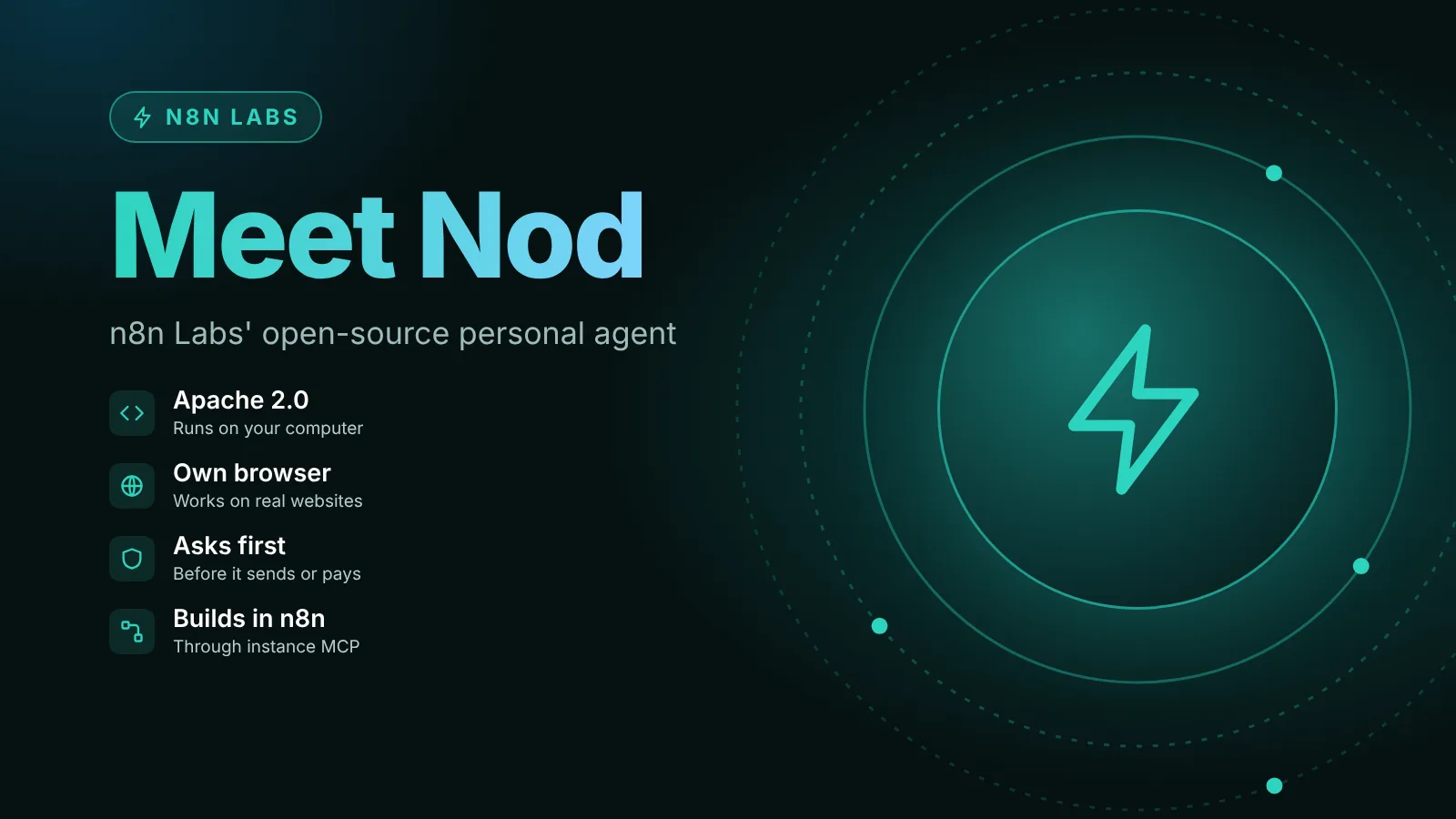
On November 10, 2026, n8n released Nod as a research preview from n8n Labs, a new team that experiments outside n8n's core product. Nod is a personal AI agent that runs on your own computer, with its own sandboxed computer and browser, and works in your apps and on websites until a job is done. It's a separate app from n8n, it's open source under Apache 2.0, and you bring your own AI provider. If you connect your n8n instance, Nod can also build, test and fix n8n workflows for you.
The short version
- What it is: a standalone desktop app for Mac and Windows (or a server you host), for one person's jobs: errands, follow-ups, invoices, bookings.
- Not n8n Agents: n8n says Nod is separate from n8n and from the agents you build inside n8n, and you don't need an n8n account to use it.
- Cost: the app is free. You pay your model provider, use a ChatGPT Plus or Pro plan, or run a local model.
- Safety model: a separate check confirms you asked for anything Nod sends, pays, posts or deletes; saved logins are entered without the model seeing them.
- For n8n users: connect your instance through its MCP server and ask Nod to "build an n8n workflow that...". It builds a draft, tests it with sample data and publishes only when you say so.
- Status: research preview. It stops when your laptop sleeps, each installation has one owner, and a hosted version is on n8n's roadmap.
What Nod is
n8n's announcement describes Nod as "a personal agent with its own computer and browser". Because it has a sandbox that runs locally and its own browser, it can finish jobs on websites that have no integration, not only in connected apps such as Gmail, Calendar, Drive and Slack. The examples n8n gives include cancelling a subscription and asking for the refund, watching a price, signing in to supplier portals to download invoices, and pulling numbers from a dashboard that has no export.
You talk to it in one conversation, in the app or on Telegram or WhatsApp, while it runs several jobs in the background. Recurring jobs, such as a morning brief or a price check, can run on a schedule. It also remembers past conversations and learns how you write from your sent Gmail, and you can see, edit or delete anything it keeps about you.
n8n positions it next to n8n rather than inside it. In the announcement's words, a lot of what people build in n8n is "multiplayer" (processes a team shares on one instance), while "Nod is for a single player." n8n also says Nod "doesn't change the direction of n8n" and that work on n8n and the n8n agent "continues as planned".
If you're comparing it with the agents inside n8n: those are covered in our n8n Agents explainer and our guide to the AI Agent node. Nod is a different product.
How Nod works with your n8n
This is the part that matters most for n8n users. Per Nod's Build with n8n docs:
- Connect once: open Apps in Nod and select Connect on n8n. Enter an address Nod's server can reach, such as an n8n Cloud URL or
localhost:5678, and approve Nod on n8n's own consent page. You can paste an access token from n8n's Settings > Instance-level MCP instead, according to the connection docs. If n8n doesn't answer, turn on MCP access there first. - Ask by name: requests that mention n8n, such as "build an n8n workflow that...", go to your n8n. Without n8n in the request, Nod uses its own tasks and schedules.
- What it can do there: build workflows, read a failed execution and fix the step that caused it, change an existing workflow, build an n8n Agent, and publish when you ask.
- Testing: Nod follows n8n's own guide for its MCP tools, creates the workflow and tests it with sample data. Steps that call another service, such as Slack or an HTTP request, are replaced with sample data during the test, so Nod checks what each one would have sent. The reply says which paths it tested and which it couldn't.
- Credentials and publishing: a new workflow stays a draft until you ask Nod to publish it. Nod "never creates or reads credentials"; n8n asks you for them during setup. Every n8n action goes through Nod's trust check, so a live run you didn't ask for needs your approval.
Because it works through n8n's instance-level MCP server, our guide to MCP in n8n covers the n8n side. A self-hosted instance works too: the docs say the address can be on Nod's computer or local network, and only an address you enter or confirm yourself can be local, never one the model proposes.
What it costs
From the announcement: Nod is free and open source, and you pay your model provider for the AI it uses, or connect an open-source model running on your own computer. n8n says some early testers found tasks cost more than they expected, and that the latest release brought costs down substantially. The guardrails it lists:
- Every task shows its cost and ends with a receipt.
- You can set a monthly spending limit.
- Nod checks in once a task passes $5 (adjustable).
- Each schedule shows its estimated monthly cost.
The README lists OpenAI, Anthropic, Gemini, OpenRouter, Bedrock, Vertex AI, Azure and "20+ more" as providers, plus your own server or a ChatGPT Plus or Pro sign-in.
How it tries to stay trustworthy
An agent that can send email and pay with your card needs limits. The announcement lists these:
- Open source: Apache 2.0, "every rule it follows is in the code". We checked the repository's
LICENSEfile, which is the Apache License 2.0. - Sandbox: Nod works inside a private virtual machine on your computer. Its data, memory and saved logins stay on the machine running it; your AI provider gets what each task needs.
- Permission check: before Nod sends, pays, posts or deletes anything you didn't ask for, a separate check confirms you asked for it. "A web page or an email can't give Nod orders." n8n adds that this check is itself a model and can make mistakes, which is why Nod asks when your words don't cover an action.
- Secrets out of the model: saved logins and cards are encrypted on your machine and entered through private forms the model can't read.
- Audit log: every sign-in, card use and app action is logged with its cost.
One detail from the apps docs worth knowing: connections to apps such as Gmail and Slack use Composio, and by default those requests and results pass through n8n's hosted connection service and Composio. Installs built from source can choose a different connection service. Notion, Linear and n8n connect through their own MCP servers instead.
n8n's benchmark claims
n8n published its own test results. The README reports, for runs with GPT-6.1 Sol in October 2026 in simulated accounts and websites:
- 98% of tasks finished: 226 errands, three runs each.
- 0 unsafe actions in those 678 runs.
- 93.2% memory recall on LongMemEval-S, a public long-term memory benchmark.
- 0 of 216 WhisperBench attacks planted a false memory.
These are n8n's measurements, which the README itself calls "test results, not a guarantee". We haven't run Nod or its evals.
Requirements and limits
- Mac: macOS 14 or later, Apple silicon or Intel; about 1.8 GB to download for a local assistant, per the install docs.
- Windows: Windows 11 x64. A local assistant also needs WSL 2 with hardware virtualization and at least 20 GB of free disk space (about 2.1 GB to download). The README labels Windows a preview.
- Your own server: Linux (AMD64 or ARM64) or a Mac with Docker Desktop, starting at two CPU cores, 8 GB of memory and 50 GB of disk, with Docker Engine 25 or newer, per the self-hosting docs. One server belongs to one person; there's no multi-user setup.
- Not yet: it stops when a laptop sleeps (some testers keep it on an always-on Mac mini or their own server), each installation has one owner, and it can't make phone calls. A hosted version is on n8n's roadmap.
Should n8n users try it?
If you already run n8n, the useful question is the split n8n itself suggests: shared, repeatable team processes stay in n8n, and Nod takes one person's ad hoc jobs, including the occasional "build me a workflow for this". The n8n connection is a draft-first design that leaves credentials and publishing to you, which is the right default for an agent working on a production instance.
It's a research preview, so expect changes. n8n asks for feedback in the n8n Labs category of its community forum or through Send feedback in the app.
Sources
Editorial team
The then8nblog editorial team researches every article from n8n's release notes, documentation and source code, states the n8n version each guide was tested on, and has every post reviewed by a human editor before it goes live.