n8n Migration Report: how to read it and fix every 3.0 issue
How to use n8n's Migration Report before upgrading to 3.0: what each impact level means, which nodes it migrates for you, and how to clear every finding.
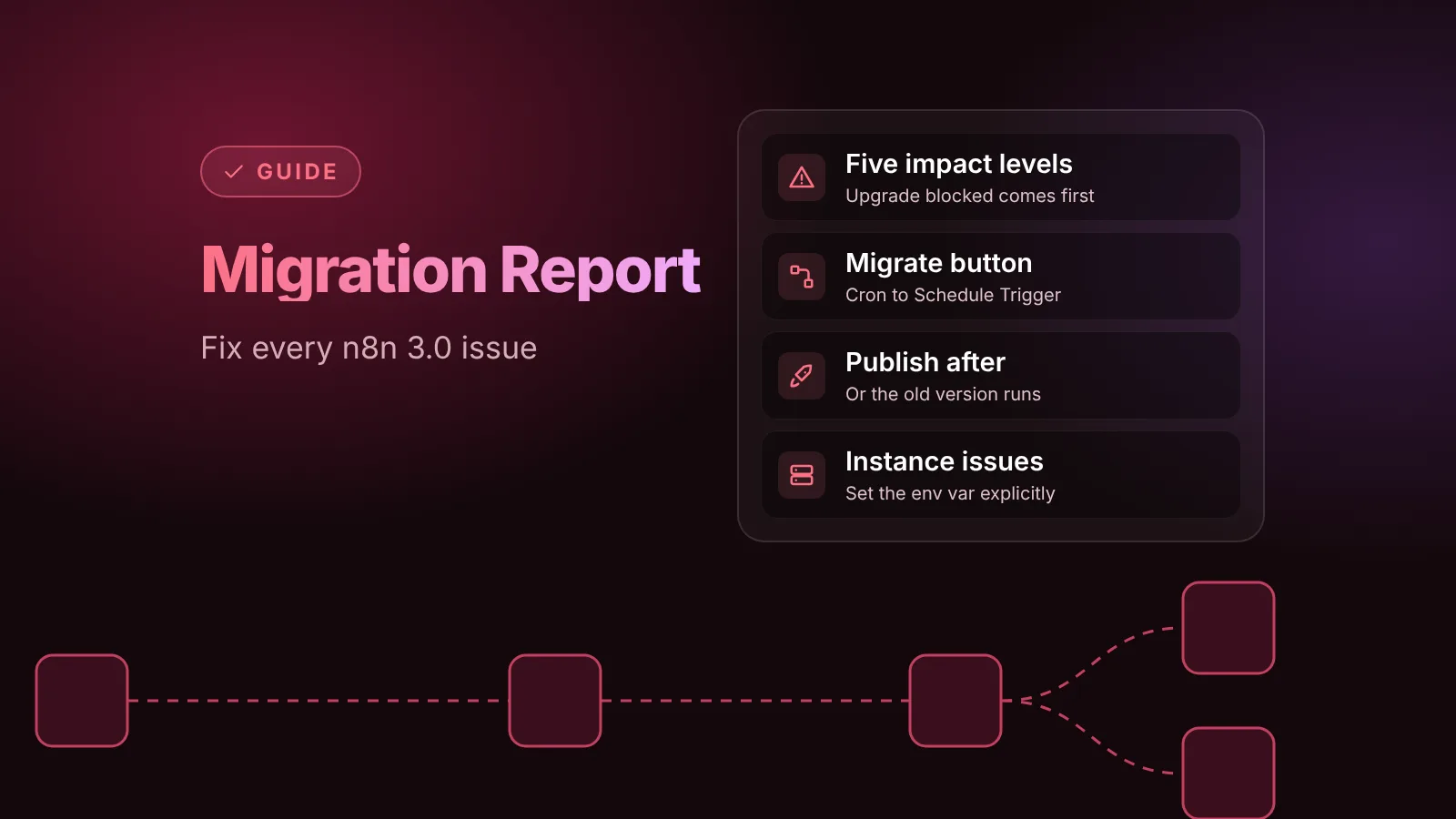
The Migration Report is n8n's built-in checklist for the 3.0 upgrade. Open Settings > Migration Report on n8n 2.39 or later: it lists every workflow and instance setting that 3.0 breaks, rates each one by impact, and can rewrite some nodes for you. Fix everything rated Upgrade blocked or Executions will fail, publish the fixed workflows, and you're ready to upgrade.
We ran the report on n8n 2.46.3 (the current beta) on October 31, 2026, with workflows that use the removed Cron, Function and Item Lists nodes, and fixed every finding. This guide walks through the same steps, with what we saw at each one.
The short version
- Update to the latest 2.x first. n8n's 3.0 announcement says the latest 2.x "has the newest version of the report." On October 31, that's stable 2.45.7 or beta 2.46.3.
- Two tabs: Workflow issues (per workflow) and Instance issues (environment variables and deployment, owners and admins only).
- Five impact levels. Fix Upgrade blocked and Executions will fail first.
- Migrate rewrites some removed nodes for you, such as Cron to Schedule Trigger and Item Lists to the newer transform nodes. Function nodes you replace by hand.
- Publish after migrating. The migrated version is saved as a draft; a published workflow keeps running the old version, and the report keeps listing it, until you publish.
- Instance issues clear when you set the variable explicitly, for example
N8N_RUNNERS_TASK_TIMEOUT.
Before you start
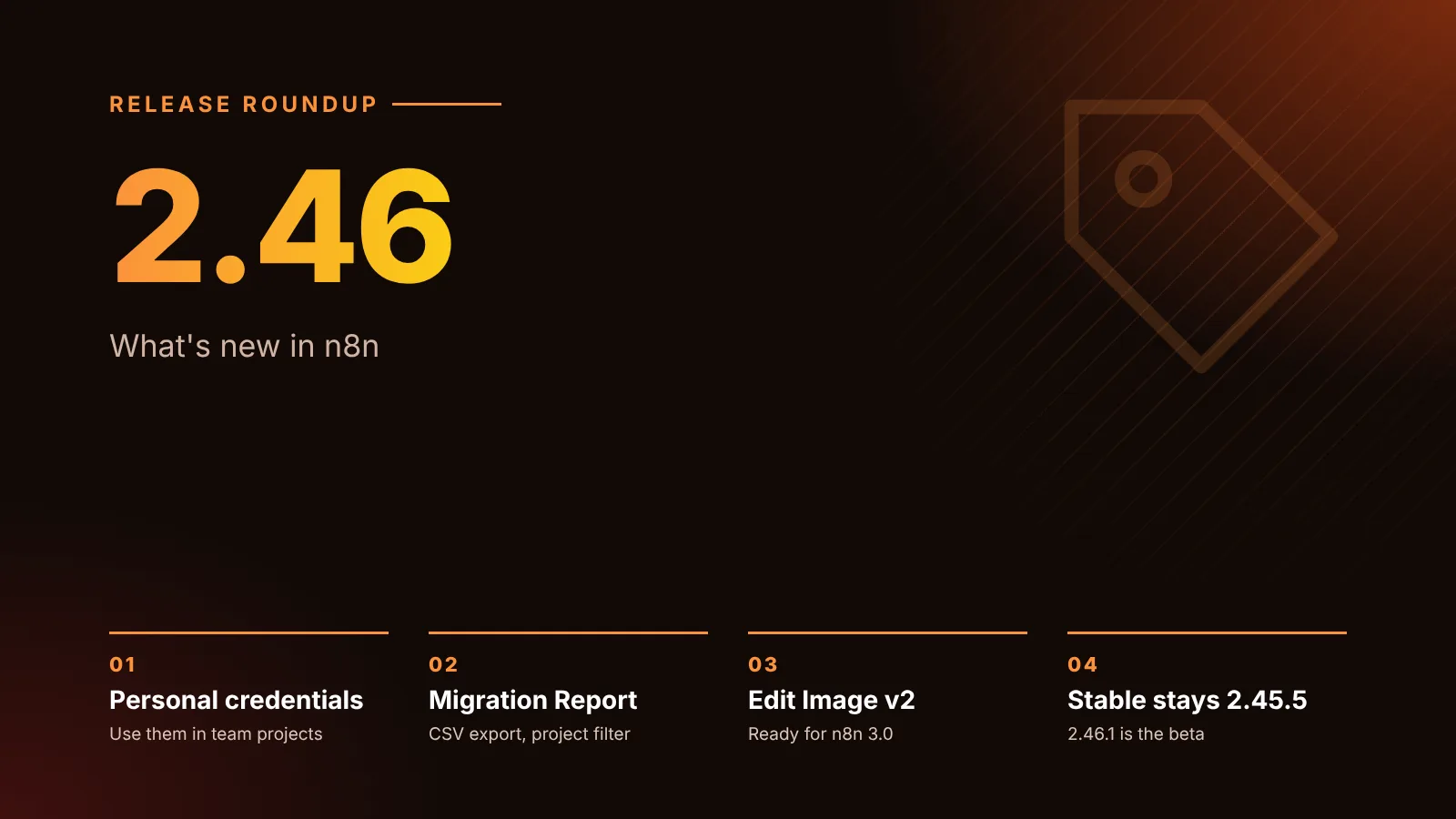
- Version: the report exists from n8n 2.39. Update to the latest 2.x, because each release adds checks and migrations. 2.46, for example, added CSV export, filtering by project and the "Executions might fail" level, per its changelog.
- Who sees what: per n8n's migration tool docs, the instance owner and admins see every workflow and the Instance issues tab, and can refresh the report. Other users see only the workflows they can edit, with a note that says so.
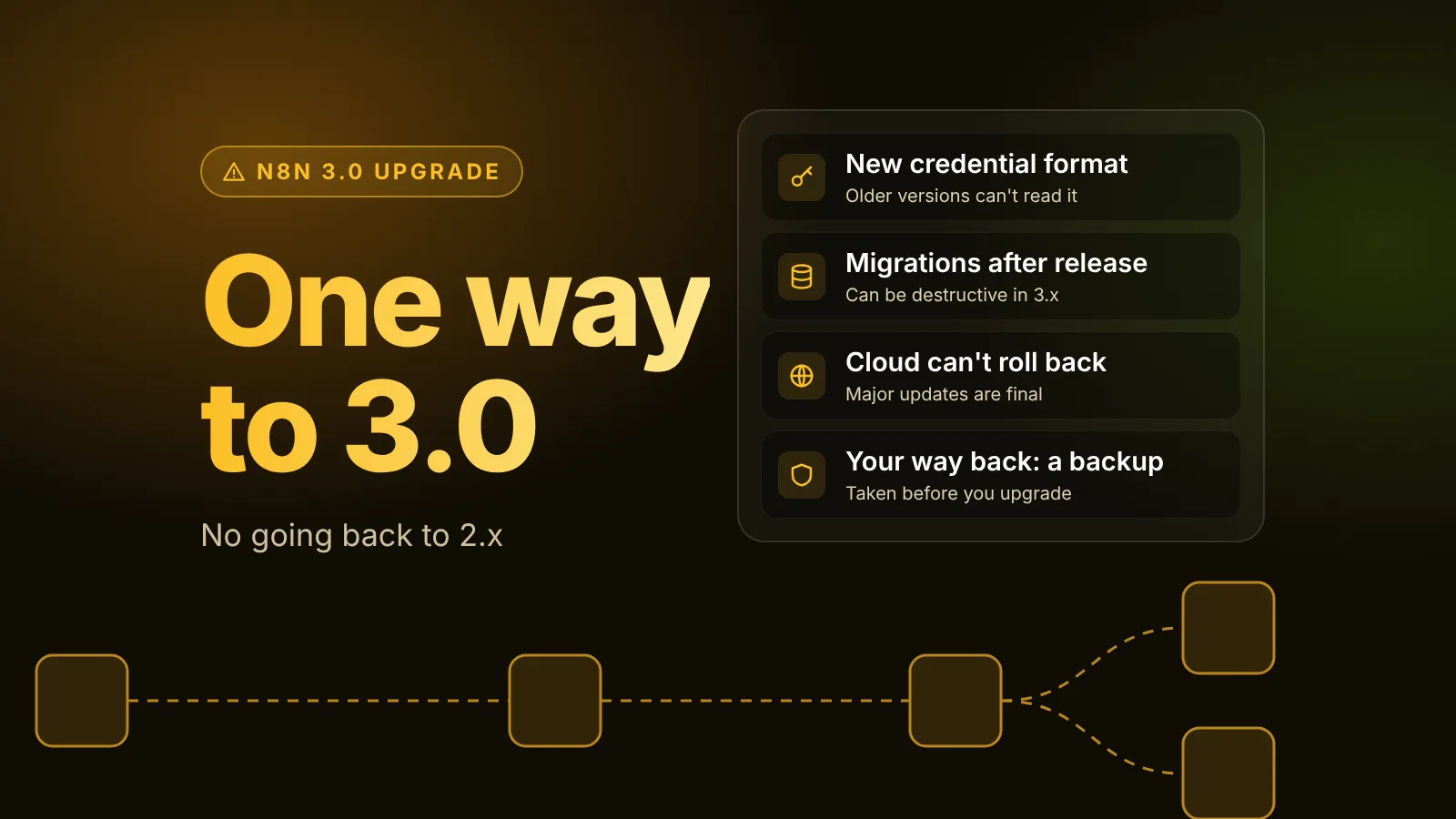
- Backup: take one before you start changing workflows in bulk. Our one-way upgrade guide has the steps.
How to read the report
At the top, a progress bar shows how many workflows are compatible with 3.0. n8n re-checks a workflow whenever you save it, and Last updated shows the last full scan; owners and admins can start one with Refresh.
Each issue shows a title, a description, an impact badge, how many workflows it affects, how many are still open, and a link to the matching section of n8n's breaking changes page.
The five impact levels
| Impact | What it means (from n8n's docs) | What to do |
|---|---|---|
| Upgrade blocked | The upgrade can't proceed, or the instance may not start after it | Fix before anything else |
| Executions will fail | Affected workflows or the instance fail after the upgrade | Replace or update the affected nodes or settings |
| Executions might fail | A default changes, so executions might fail | Set the old value explicitly if you rely on it |
| Behavior changes | Workflows keep running but behave differently | Review and test before you upgrade |
| Capability removed | Executions aren't affected, but a feature you use is gone | Plan an alternative |
What our test instance showed
Our 2.46.3 instance had four workflows: one with a Cron node, one with a Function node, one with an Item Lists node, and one with only a Code node. The report found three affected workflows, all rated Executions will fail, plus four instance issues:
| Issue | Tab | Impact |
|---|---|---|
| Cron node removed | Workflow issues | Executions will fail |
| Function node removed | Workflow issues | Executions will fail |
| Item Lists node removed | Workflow issues | Executions will fail |
| Compression node limits are lowered | Instance issues | Executions might fail |
| Task runner timeout default is reduced to 1 minute | Instance issues | Executions might fail |
| Unverified community packages are disabled by default | Instance issues | Behavior changes |
| Workflow import from URL is removed | Instance issues | Capability removed |
Each finding came with a concrete recommendation, such as "Replace with Schedule Trigger" for Cron and "Replace this node with Code and set Mode to Run Once for All Items" for Function. Item Lists listed one replacement per operation: Aggregate, Limit, Remove Duplicates, Sort, Split Out or Summarize.
Fix workflow issues
Select the workflow count on an issue to open its detail page. It lists each affected workflow with its owner, the affected nodes, its state (Open, Notified or Won't fix), whether it's published, and how often it ran. Sort by most runs to fix your busiest workflows first; per the docs, workflows that haven't run in over 12 months get a banner offering to mark them Won't fix.
Let n8n migrate the node
When an issue supports it, each row has a Migrate button, and you can migrate several workflows at once from the bulk action bar. n8n shows the nodes it will change, saves the result as a new version of the workflow, and then offers Publish or Skip publishing.
In n8n 2.46.3's source, automatic migrations exist for these removed or changed nodes:
- Cron to Schedule Trigger
- Item Lists to the matching transform node (Aggregate, Limit, Remove Duplicates, Sort, Split Out or Summarize)
- HTML Extract to HTML
- iCalendar to Convert to File
- Read PDF to Extract from File
- Write Binary File to Read/Write Files from Disk
- AI Transform to Code
- Edit Image versions 1 and 1.1 to version 2
- Workflow Trigger to n8n Trigger
- older AI Agent tool versions, document loaders, and the legacy in-memory, Pinecone and Supabase vector store insert and load nodes
What we saw when we migrated:
- Cron set to Every Hour became a Schedule Trigger (version 1.4) that runs every hour at minute 0, the minute the Cron node used. For Cron's "every X hours" mode, the source shows the migration picks a minute per rule from a hash instead of minute 0, so migrated workflows don't all start at once. Steps that don't divide evenly into an hour or a day, such as every 5 hours, also get different run times, because Schedule Trigger keeps an even gap.
- Item Lists set to remove duplicates became a Remove Duplicates node with the same comparison setting.
- The report kept listing the published Cron workflow after the migration, with the status
fixed_unpublished, because the published version still had the Cron node. Once we published the migrated version, it dropped off the report. The unpublished Item Lists workflow cleared right away.
So the order matters: migrate, test the new version, then publish it. n8n's docs warn that the migration "covers the node changes only," so check that the workflow's output still matches what you expect.
Replace nodes by hand
The Function node had no Migrate button. We replaced it with a Code node in Run Once for All Items mode, as the report recommends, and rewrote the code to use $input.all():
return $input.all().map(item => ({ json: { ...item.json, ok: true } }));Function Item maps to the Code node's Run Once for Each Item mode, per the breaking changes page. As soon as we saved the workflow, the report showed 0 affected workflows, without a refresh.
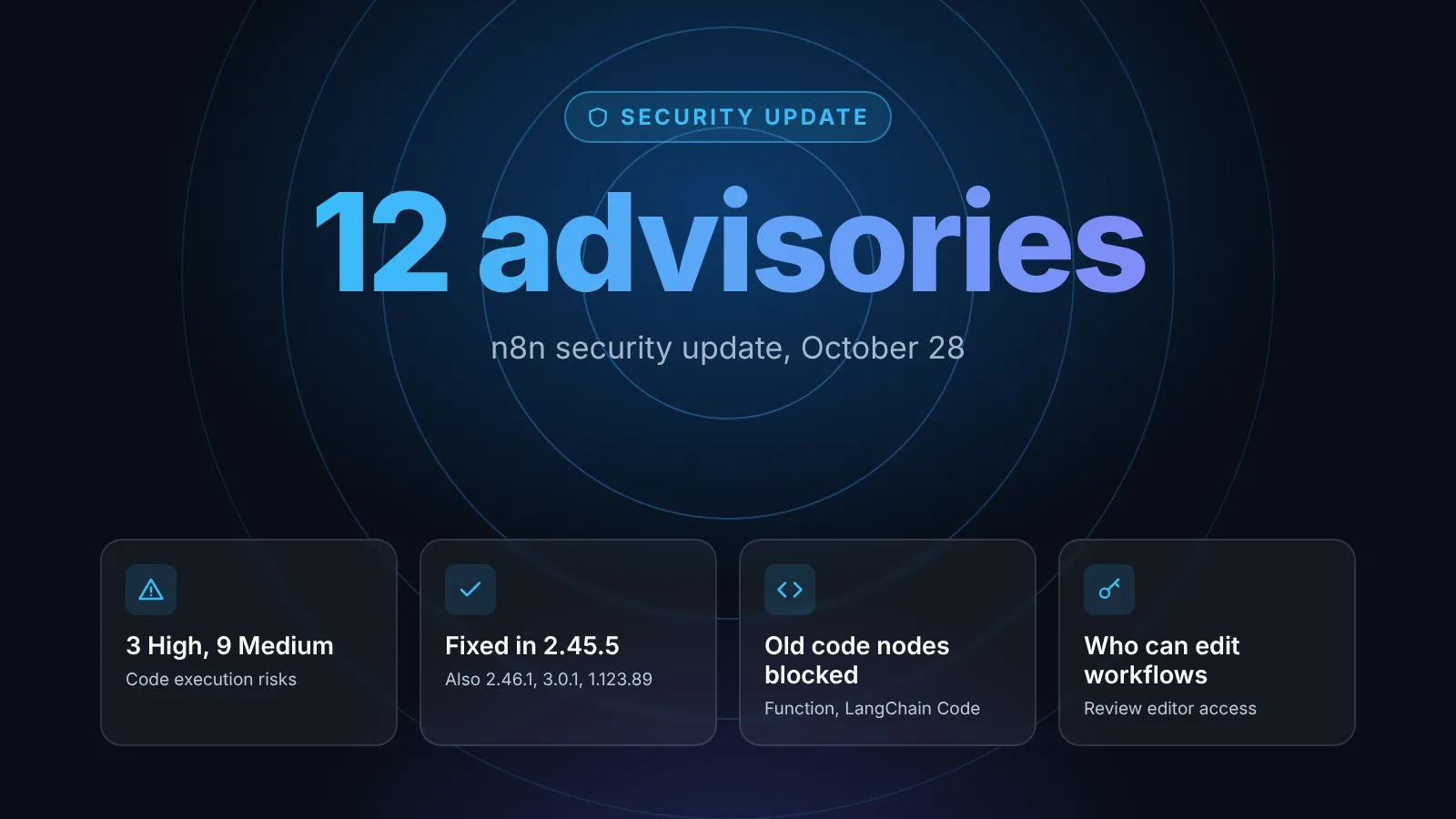
On patched 2.x versions, you can't save or import a workflow that adds or changes a Function, Function Item or LangChain Code node anymore; that block came with n8n's October 28 security update. When we imported our test workflows with the n8n CLI, 2.46.3 rejected the whole batch with Cannot use a "n8n-nodes-base.function" node ("Function"): this node type is deprecated. Replace it with the Code node or remove it from the workflow. None of the four workflows were imported until we set N8N_DEPRECATED_NODES_BLOCK=false for that one command. Turn the block back on afterwards; the security advisory says turning it off restores the vulnerable behavior.
Assign, notify, or skip
- Owner: n8n suggests the last person who worked on the workflow, or a project owner. Change it in the Owner column.
- Notify owners: owners and admins can email workflow owners about an issue, if SMTP is set up. The state changes to Notified, but the workflow still counts as unresolved.
- Won't fix: for obsolete workflows. The workflow then counts as resolved; Reopen undoes it.
Fix instance issues
Instance issues are about configuration, not workflows. Most of the ones we saw are about defaults that change in 3.0, and they cleared once the setting was explicit. When we restarted our test instance with these two variables, a refresh removed both issues:
services:
  n8n:
    environment:
      - N8N_RUNNERS_TASK_TIMEOUT=120          # keep Code node tasks longer than 60 s
      - N8N_UNVERIFIED_PACKAGES_ENABLED=true  # only if you use unverified community nodes
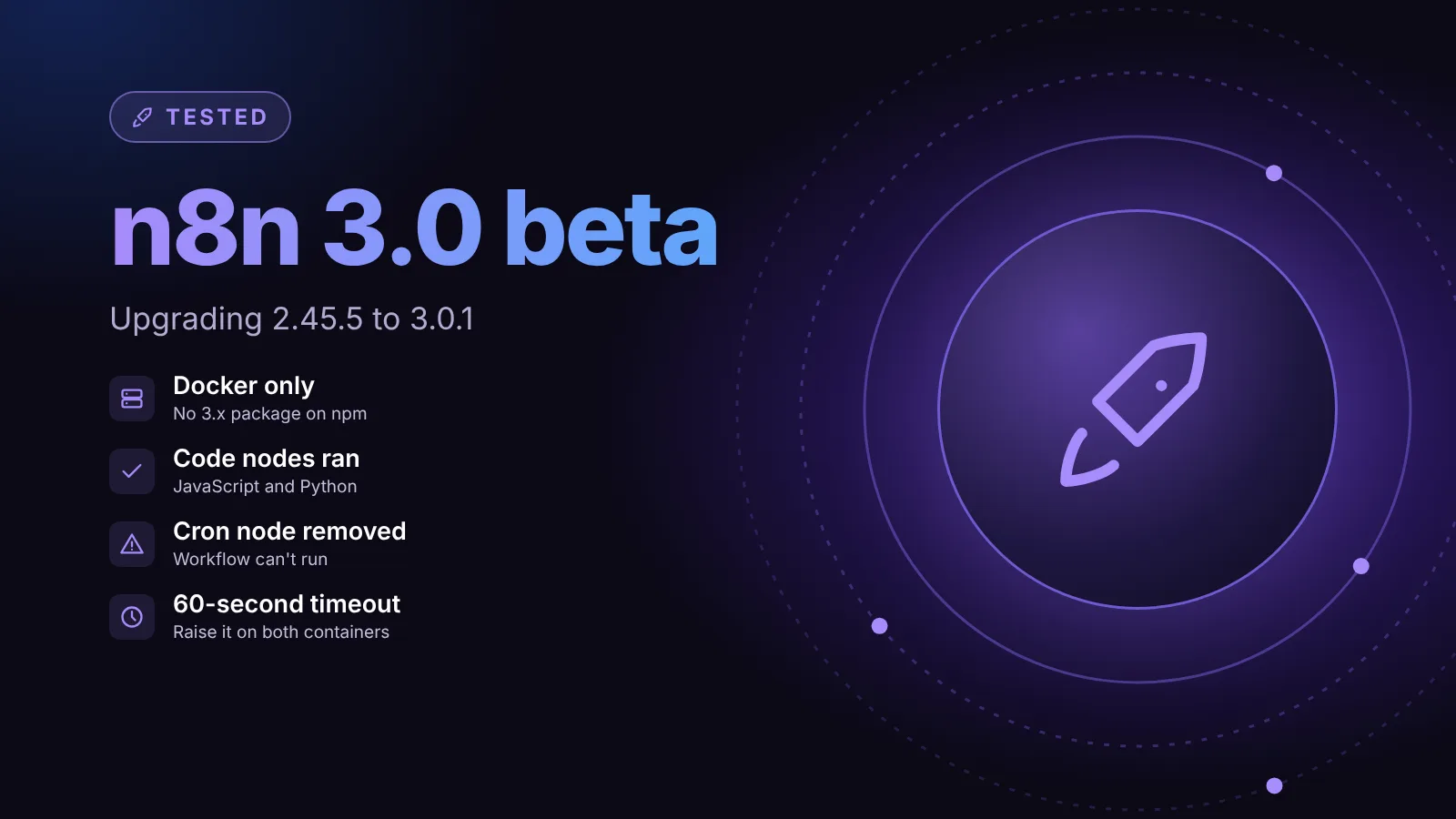
Set only what you actually need. If you run an external task runner, set the timeout on the runners container too; our 3.0 beta test shows why. "Workflow import from URL is removed" is a Capability removed notice about the editor, not something you configure.
Other instance checks exist in the 2.46.3 source, for example for npm-based installs (3.0 requires Docker), in-memory binary data, the Chat Hub module and Slack credential signing secrets. None of them appeared on our Docker-based test instance.
Export the report
Export CSV downloads the overview, one row per issue. Our export was named migration-report-v3-2026-10-31.csv and had these columns: target_version, current_version, synced_at, total_workflows, affected_workflows, affected_instance_rules, rule_kind, rule_id, rule_title, impact, impact_label, unresolved_workflows and wont_fix_workflows. The docs suggest it for sharing progress, for example with n8n support.
When you're done
- Refresh (owners and admins) and confirm no unresolved issues remain in either tab.
- Read the breaking changes page for anything the report can't detect, as n8n's docs recommend when the report is empty.
- Take a full backup, then upgrade a test or staging instance before production. The upgrade is one way, per n8n's announcement.
Our n8n 3.0 guide lists every breaking change, and how to update self-hosted n8n safely covers the upgrade itself.
Sources
Editorial team
The then8nblog editorial team researches every article from n8n's release notes, documentation and source code, states the n8n version each guide was tested on, and has every post reviewed by a human editor before it goes live.