n8n 2.44: what's new and should you upgrade
What's new in n8n 2.44: a SharePoint Trigger node, a WhatsApp channel for Agents, Microsoft Foundry renames, and which n8n version to run today.
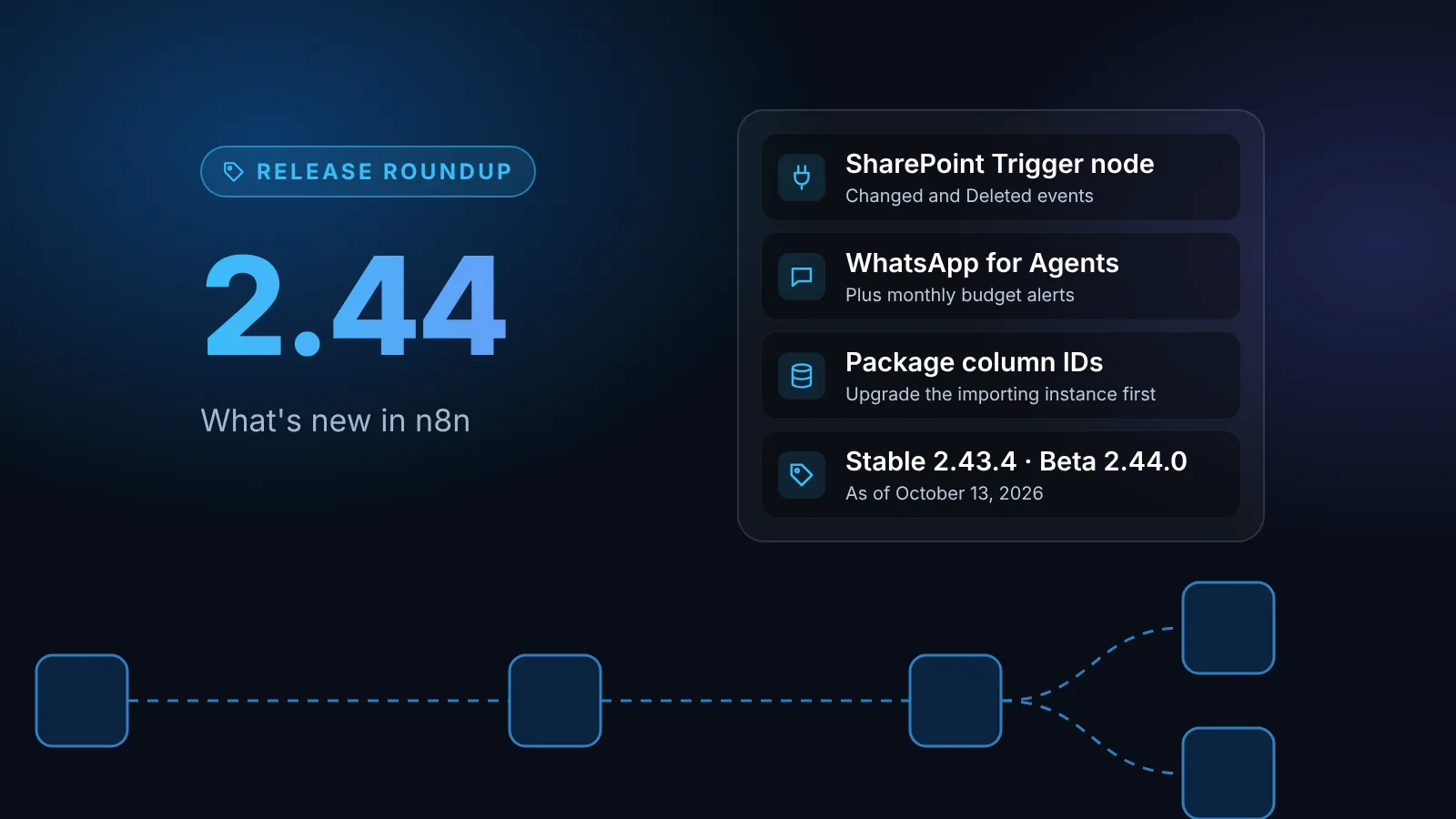
n8n 2.44.0 was released on October 13, 2026, on the beta track. It adds a Microsoft SharePoint Trigger node, Google Vertex AI credentials, a WhatsApp channel for Agents and budget alerts for agent owners, and renames the Azure chat model nodes to Microsoft Foundry. For production, run the current stable release, 2.43.4, which now brings 2.43's Browser Use and Migration Report changes to the stable track.
The short version
- Which version to run: on October 13, 2026, npm's
stabletag points to 2.43.4 (published October 12) andbetato 2.44.0 (published October 13). - New in 2.44: a Microsoft SharePoint Trigger node, Google Vertex AI credentials with a project picker, a WhatsApp channel and budget alerts for Agents, and Prometheus metrics that keep working while the database is down.
- Renamed: the Azure OpenAI / Azure AI Foundry Chat Model node and its credentials are now Microsoft Foundry.
- Action needed: if you move workflows between instances with n8n packages, upgrade the importing instance first. An instance older than 2.44.0 rejects a package with data table column IDs, which 2.44.0 adds to every exported data table.
n8n's release notes page in the docs has no 2.44 entry yet, so the details below come from the 2.44.0 changelog on GitHub and from the docs pages for the new features. Where a changelog line is all there is, we say so.
Should you upgrade?
n8n's release tracks page describes Stable as "a later, more proven patch of a release, cut after it's spent time on the Beta track" and recommends it "for all mission-critical workloads." 2.44.0 came out today, so treat it as a test release.
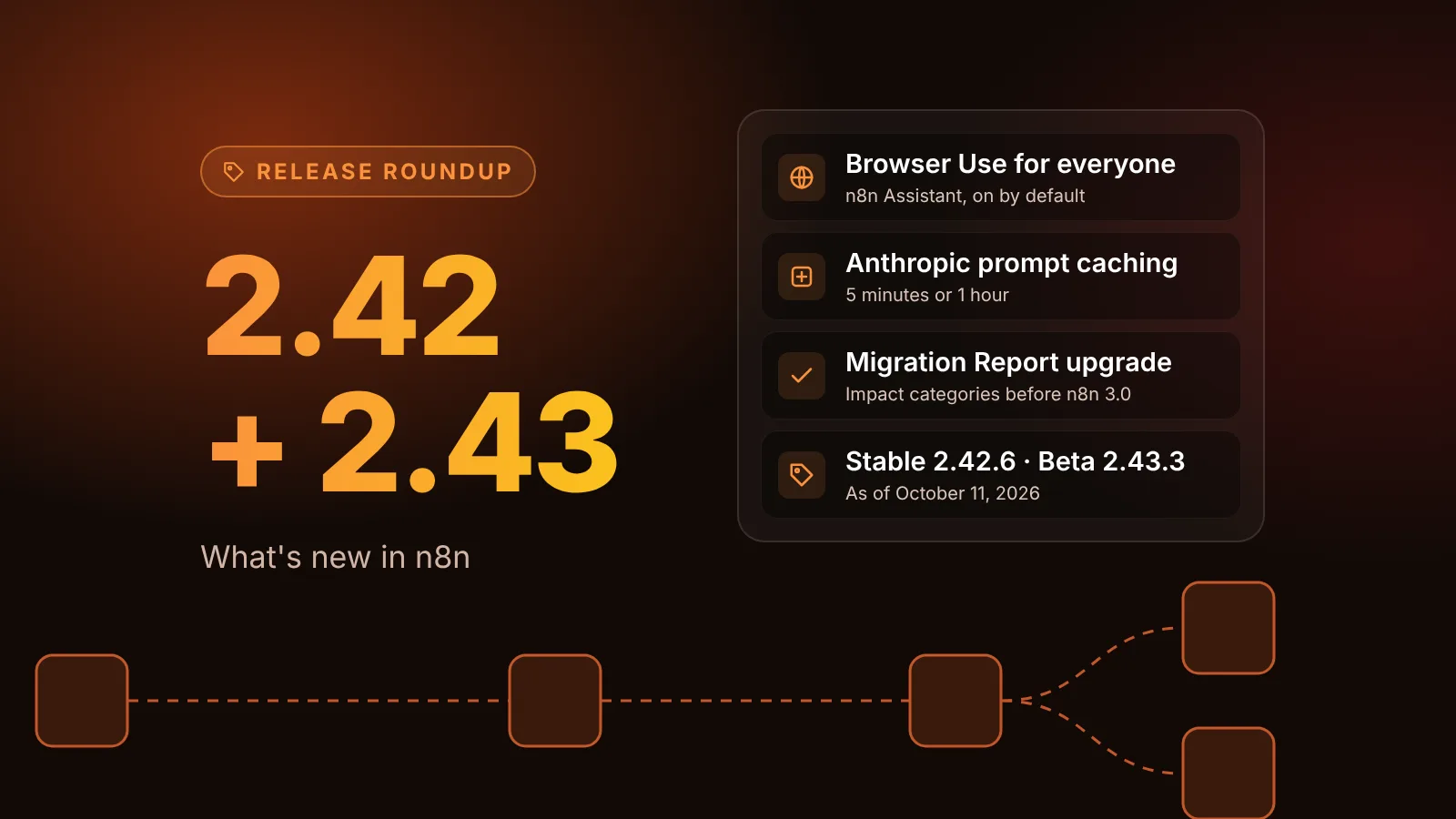
- Production instances: move to 2.43.4. If you are coming from 2.42, our 2.42 and 2.43 roundup covers what changes, including Browser Use being on by default.
- Test or staging instances: try 2.44.0 if you want the SharePoint Trigger, the Vertex AI credential or the WhatsApp channel for Agents.
Pin the exact version in Docker Compose rather than using a moving tag:
services:
  n8n:
    image: docker.n8n.io/n8nio/n8n:2.43.4
New nodes and credentials
Microsoft SharePoint Trigger node
The new Microsoft SharePoint Trigger starts a workflow when a file in a document library or an item in a list changes. It polls on the schedule you set in Poll Times (every minute by default), and each check starts at most one execution with all the changes it found.
What to know before you build on it:
- Events: Changed (added, edited, renamed, moved, or metadata changed) and Deleted. There is no separate Created event, because Microsoft Graph's change feed reports new and edited items the same way.
- Credentials: Microsoft OAuth2 with the scope
openid offline_access Sites.Read.All, or the Microsoft Entra Service Principal credential withSites.Read.All(orSites.Selected). The docs recommend the Service Principal for production because a user credential stops working when that user's session is revoked. The older Microsoft SharePoint credential isn't supported. - Scope: it watches a whole library or list. You can't narrow it to one folder.
- Existing content: files and items that already exist when you publish the workflow don't trigger it. Use the Microsoft SharePoint node to process them.
- Duplicates: the same item can arrive more than once during a large burst of changes, so make your workflow safe to run twice for one item.
Google Vertex AI credentials
A dedicated Google Vertex AI credential uses a service account email, its private key, a Region and a Project. The project list is loaded with the service account's own access. If it stays empty, pick Custom and enter the project ID. The credential works with the Google Vertex Chat Model and Embeddings Google Vertex nodes.
Microsoft Foundry replaces the Azure names
The chat model node is now the Microsoft Foundry Chat Model node. It was called Azure OpenAI Chat Model until 2.42 renamed it to Azure AI Foundry Chat Model. The credentials follow: Azure OpenAI (API key) and Azure Entra ID (Azure Active Directory) API are now Microsoft Foundry credentials.
Two related changes in the 2.44 changelog:
- The Foundry chat model node can "speak the Anthropic Messages schema" for Claude deployments.
- The Embeddings Azure OpenAI node adds Entra ID authentication.
Smaller node changes
- Google Gemini: Nano Banana 2.1 and Nano Banana 2 Lite appear in the image model list.
- Microsoft Outlook Trigger: failed polls are now reported, and the backlog handled per poll is limited.
- S3: the node now percent-encodes the copy source path when copying objects.
- Odoo: datetime fields are converted to Odoo's format before writing.
Agents and n8n Assistant
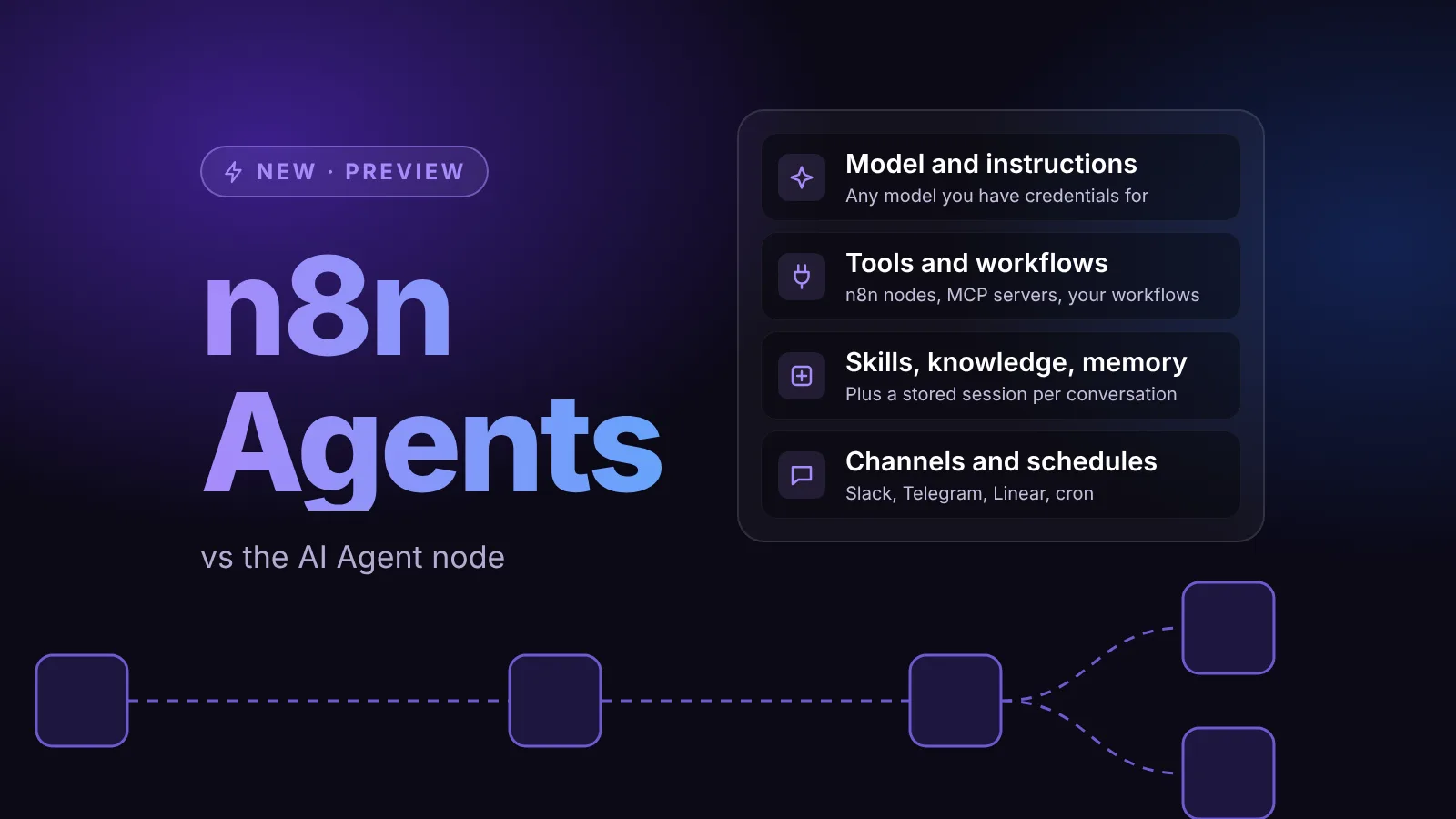
n8n Agents get most of this release's AI changes. The Agents feature is still in Preview according to n8n's Build and manage agents page.
- WhatsApp channel: the docs currently list Slack, Telegram and Linear as channels. The 2.44 changelog adds a WhatsApp channel, including incoming media and handling of WhatsApp's message quality rate limits. It isn't documented yet.
- Budgets: the agent owner gets an email when a monthly budget alert is crossed, and an agent that hits its budget posts a message on external channels when it stops. The changelog also says n8n Assistant is now blocked when AI credits reach zero.
- Building agents: an agent setup checklist, configurable inputs for workflow tools, and agent search, creation and reopening from the rebuilt command bar, which now has type tabs and paged search.
- Policies: node type policies now apply to the tools an agent uses, and restricted model providers are disabled in the agent model selector, with a popover that explains the restriction.
- n8n Assistant: the setup screen recommends Claude Opus 5.5 and GPT-6 models, and a fix covers Kimi K3 and other OpenAI-compatible providers on self-hosted n8n Assistant.
- MCP clients: the connection dialog adds Antigravity and replaces Windsurf with Devin.
Self-hosting and operations
Packages: data table column IDs
n8n packages, the Preview feature for moving workflows between instances, now carry data table column IDs. From 2.44.0, n8n uses those IDs to recognize a renamed column, so the column keeps its values instead of being dropped and recreated.
The catch is compatibility. In the docs' words, "an older instance rejects a package with column IDs with a 400. Upgrade the importing instance first." If you promote from staging to production, upgrade production before you export from a 2.44 instance.
The import option --data-table-schema-conflict-policy also gains two values, described on the how import works page:
overwritechanges the target table to match the package, including destructive changes (removing or retyping columns).overwrite-non-destructivemakes the same changes but stops when one is destructive, reports it, and writes nothing.
The default is still keep-existing, which never changes the target table.
Queue mode, metrics and tracing
- Queue mode: jobs dequeued during a worker shutdown, or fetched before a worker paused, now go back to the queue. Jobs also count as running from the moment processing starts.
- Prometheus: new metrics for database connection recovery, and
/metricskeeps responding while the database is unavailable. - OpenTelemetry: every span carries the execution identity, and opt-in start marker spans can be emitted for workflow and node executions. The setting that enables them isn't in the docs yet.
- Health checks: the changelog says the health check timeout is now configurable. The docs don't name the setting yet.
- Workflow history: trimming old versions now runs as a durable daily system task.
Migration Report
If you are working through the report before n8n 3.0, three changes help: every user can now see the report scoped to the workflows they can edit, the report is served on every main instance in a multi-main setup, and the rule detail gets a state column. The Executions fail label is now Executions will fail. Our n8n 3.0 breaking changes guide explains each rule.
Worth watching: deprecated nodes
The changelog lists "Block create/update of workflows with deprecated nodes" as a new feature. Neither the changelog nor the docs say yet where the block applies (the editor, the public API, n8n Assistant or package imports). If your deployment scripts create workflows that still use deprecated nodes such as Function or Cron, test them against 2.44.0 before it reaches stable.
A note on n8n 3.0
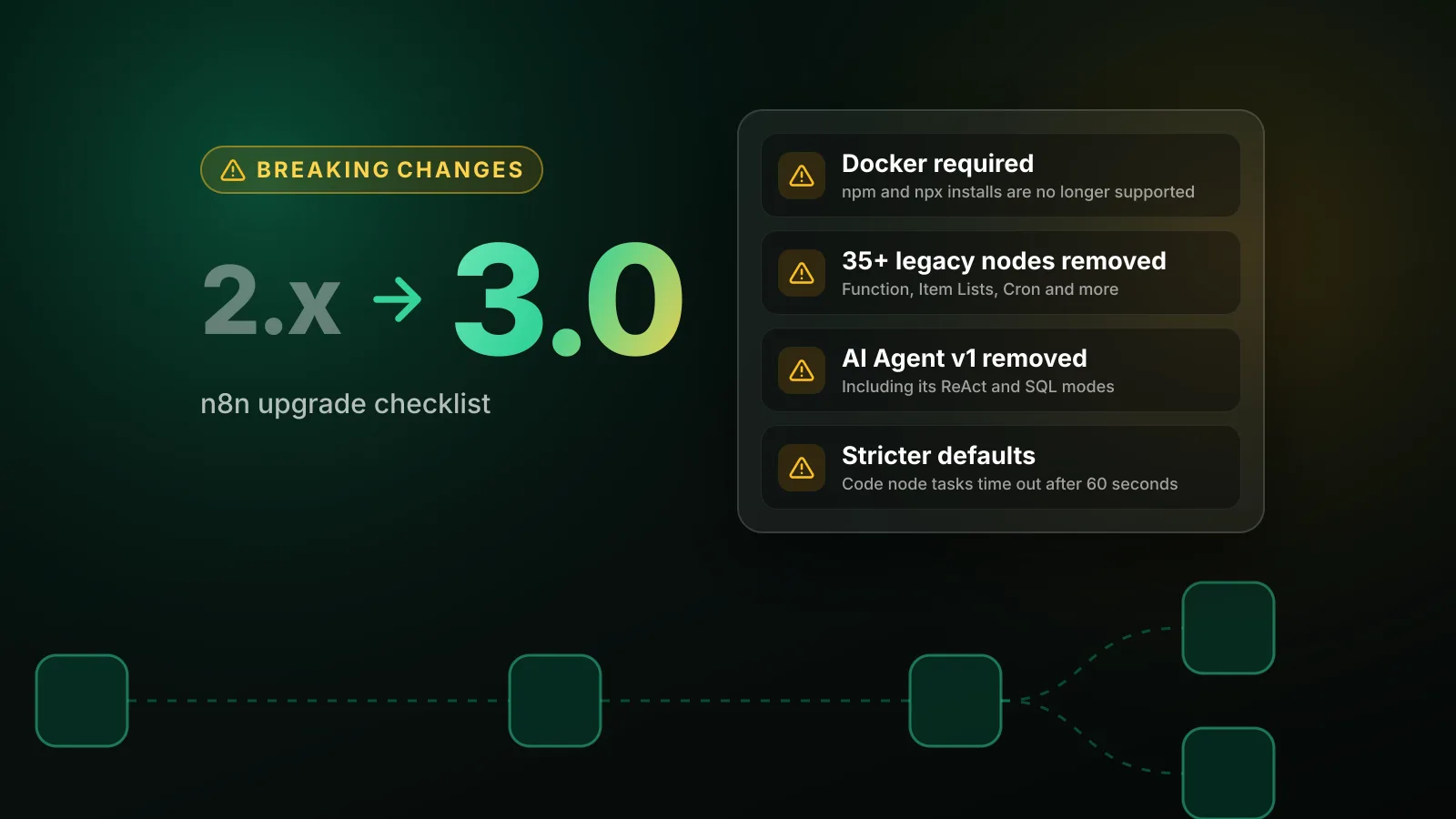
n8n's 3.0 breaking changes page still says "n8n 3.0 has been released." As of October 13, 2026, npm lists no 3.x version and the n8n repository has no 3.x tag. We will cover 3.0 when it ships. For all release coverage, see the releases tag.
Sources
- n8n changelog, 2.44.0 (GitHub)
- n8n package versions and dist-tags (npm)
- Microsoft SharePoint Trigger node (n8n docs)
- Google Vertex AI credentials (n8n docs)
- Microsoft Foundry Chat Model node (n8n docs)
- n8n packages, package format (n8n docs)
- n8n packages, how import works (n8n docs)
- Update your n8n Cloud version, release tracks (n8n docs)
- Build and manage agents (n8n docs)
Editorial team
The then8nblog editorial team researches every article from n8n's release notes, documentation and source code, states the n8n version each guide was tested on, and has every post reviewed by a human editor before it goes live.